
Planning messages can feel like herding cats with tiny megaphones. A communications plan template helps you turn the noise into a clear plan. It shows who needs to hear what, when they need to hear it, and how you will say it.
TLDR: A communications plan template is a simple guide for sending the right message to the right people at the right time. It usually includes goals, audiences, channels, timelines, owners, and success metrics. For example, a small nonprofit launching a fundraiser might email donors on Monday, post on social media three times a week, and call top supporters directly. If the goal is 500 donations, the team can track open rates, clicks, shares, and total gifts each week.
What Is a Communications Plan Template?
A communications plan template is a ready-made structure for your messages. It keeps your team organized. It also stops people from asking, “Wait, who was supposed to send that?”
Think of it as a map. Your message is the car. Your audience is the destination. Your channels are the roads. Without the map, you may still move. But you may end up in a cornfield.
A good template helps you answer simple questions:
- Why are we communicating?
- Who needs the message?
- What do we need to say?
- Where will we share it?
- When will it go out?
- Who owns each task?
- How will we measure success?

Why You Need One
Even small projects can get messy fast. A product launch has emails, social posts, sales notes, customer support scripts, and maybe a press release. That is a lot of moving parts.
A communications plan makes sure nothing falls through the cracks. It also keeps your message consistent. That matters. If your sales team says one thing and your website says another, people get confused. Confused people do not usually click buy now.
Here are the biggest benefits:
- Clarity: Everyone knows the message.
- Speed: Your team wastes less time guessing.
- Trust: Your audience hears a steady voice.
- Focus: You avoid random posts and last-minute chaos.
- Results: You can track what works.
Free Communications Plan Template
Use this simple template for a campaign, event, launch, crisis update, or internal announcement. Copy it into a document, spreadsheet, or project board.
1. Project Overview
- Project name: New Customer Welcome Campaign
- Purpose: Help new users understand the product
- Start date: March 1
- End date: March 31
- Main owner: Marketing Manager
2. Communication Goals
Keep goals clear. Avoid foggy goals like “increase awareness.” That sounds nice, but it is hard to measure.
Better goals look like this:
- Increase webinar signups by 25% in 30 days.
- Get 1,000 landing page visits from email.
- Reduce customer support questions by 15%.
- Reach 80% of employees before a policy change.
3. Target Audience
Do not say “everyone.” Everyone is not an audience. It is a crowd at an airport.
Break your audience into groups:
- Customers: Need benefits, steps, and support.
- Employees: Need background, deadlines, and roles.
- Partners: Need shared talking points.
- Media: Need facts, quotes, and contact details.
- Leadership: Needs progress, risks, and results.
4. Key Messages
Your key messages are the heart of the plan. They should be short. They should be easy to repeat. They should not sound like a robot wrote them after drinking cold coffee.
Example:
- Main message: Our new app helps busy parents plan meals in minutes.
- Support point 1: It creates shopping lists automatically.
- Support point 2: It includes budget-friendly recipes.
- Call to action: Download the app and try a free 7-day plan.
5. Channels
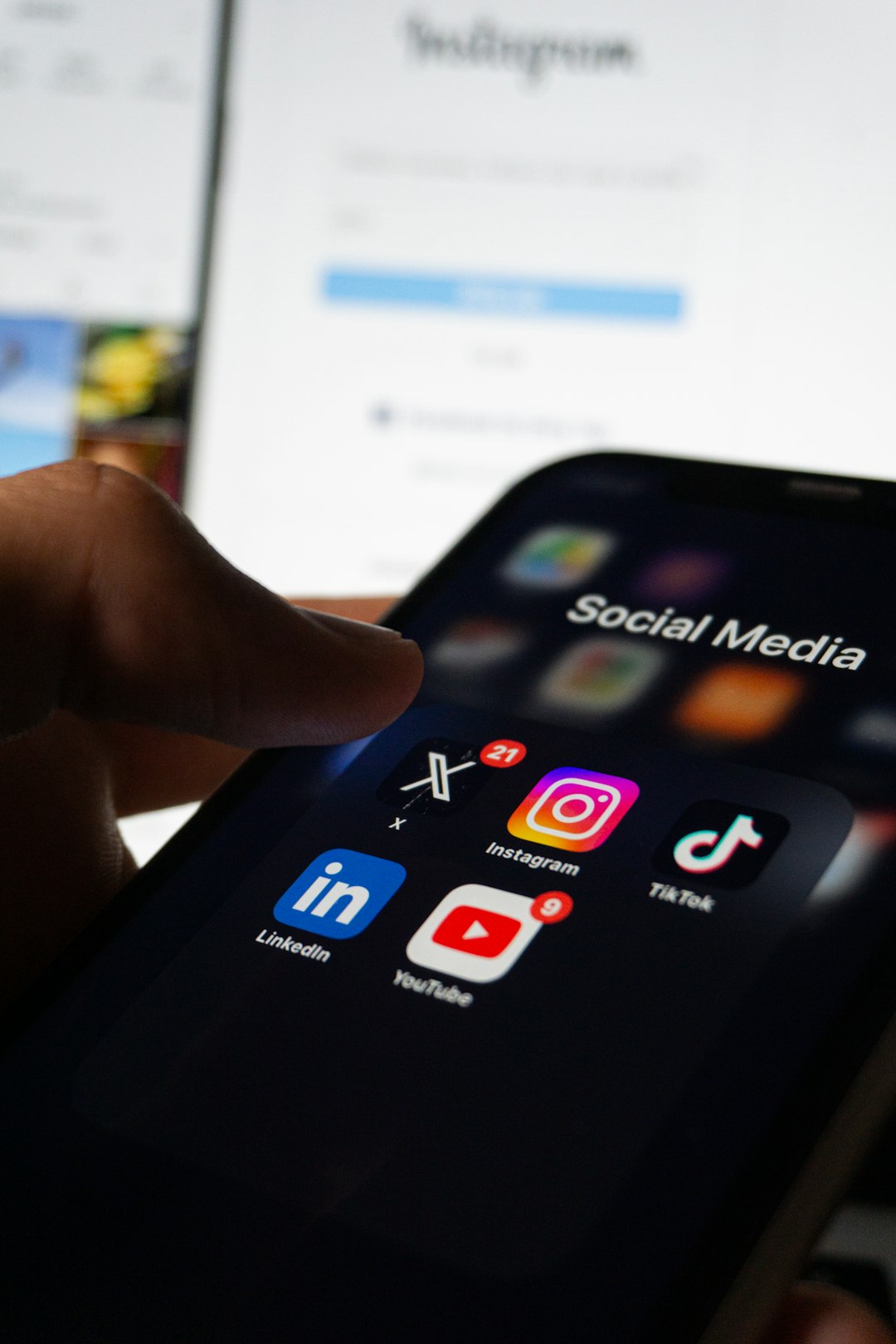
Pick channels based on where your audience already spends time. Do not force a message into every channel just because it exists. Your company update probably does not need a dance video. Unless your CEO is very brave.
- Email: Best for direct updates and longer details.
- Social media: Best for quick messages and community reach.
- Website: Best for official information.
- Blog: Best for education and storytelling.
- Meetings: Best for sensitive or complex topics.
- Press release: Best for public announcements.
- Chat tools: Best for fast internal updates.
6. Timeline
A timeline turns ideas into action. It helps your team see what happens first, next, and later.
| Week | Message | Channel | Owner |
|---|---|---|---|
| Week 1 | Teaser announcement | Email, social media | Marketing |
| Week 2 | Feature details | Blog, website | Content team |
| Week 3 | Customer story | Email, video | Customer success |
| Week 4 | Final reminder | Email, social media | Marketing |
Example 1: Product Launch Plan
Let’s say your team is launching a new fitness app. The goal is to get 2,000 downloads in the first month.
- Audience: Busy professionals ages 25 to 40.
- Key message: Get a full workout in 12 minutes a day.
- Channels: Email, short videos, blog posts, app store page.
- Timeline: Start teasers two weeks before launch.
- Metrics: Downloads, video views, email clicks, trial signups.
This plan is simple. It is also useful. Everyone knows the goal. Everyone knows the audience. Nobody is shouting random slogans into the void.
Example 2: Internal Change Announcement
Now imagine a company is changing its remote work policy. This is sensitive. People may have questions. Some may have big feelings. Maybe even dramatic calendar invites.
- Goal: Make sure 95% of employees understand the new policy.
- Audience: All employees, managers, HR team.
- Key message: The new policy gives teams more structure and flexibility.
- Channels: All-hands meeting, email, FAQ page, manager talking points.
- Metrics: Meeting attendance, FAQ views, survey responses.
For internal news, managers matter a lot. Give them clear notes. Give them answers. Give them time. Do not make them learn the news at the same time as everyone else. That is how office folklore begins.
Best Practices for a Great Communications Plan
Keep It Simple
Your plan should help people. It should not scare them. If it takes 45 minutes to understand, it is too long. Use plain words. Use bullets. Use dates.
Know Your Audience
Different people need different details. Customers may want benefits. Employees may want timing. Leaders may want risks. Give each group what they need.
Use One Main Message
Do not pack ten ideas into one announcement. People will remember none of them. Pick one main point. Repeat it often. Make it easy to share.
Assign Owners
Every task needs an owner. Not a “team.” Not “someone.” A real person. If nobody owns it, it may vanish like snacks in a break room.
Measure Results
Track numbers. Look at open rates, clicks, attendance, comments, sales, signups, or survey scores. Then improve the next plan.
Good metrics include:
- Email open rate
- Click-through rate
- Social engagement
- Website visits
- Event attendance
- Employee survey results
- Customer support ticket volume

Common Mistakes to Avoid
Even smart teams make communication mistakes. The good news? Most are easy to fix.
- Starting too late: Plan before the message is urgent.
- Using too many channels: More is not always better.
- Skipping approvals: This can cause delays or errors.
- Ignoring feedback: People will tell you what is unclear.
- Forgetting the call to action: Tell people what to do next.
Final Takeaway
A communications plan template is not fancy paperwork. It is a simple tool that keeps your message clear, your team calm, and your audience informed. Start with the basics. Set a goal. Choose your audience. Write the message. Pick the channels. Add owners, dates, and metrics.
Then send your message with confidence. No megaphone cats needed.