
Choosing a project management platform is rarely just a feature checklist exercise. Teams move away from ClickUp for different reasons: setup complexity, performance, pricing, reporting needs, or a preference for simpler workflows. The right alternative depends on how your team plans work, communicates, tracks accountability, and measures delivery.
TLDR: The best ClickUp alternative depends on your work style: Asana is strong for cross-functional task management, Jira is best for software teams, and Monday.com suits teams that want visual customization. For example, a 25-person marketing team managing 80 recurring tasks per month may benefit more from Asana or Monday.com than a highly technical tool like Jira. If your team spends more than 20% of project time clarifying ownership or status, prioritize tools with clear dashboards, automation, and reporting.
How to Evaluate ClickUp Alternatives
Before comparing tools, define what problem you are solving. ClickUp is broad and flexible, but that flexibility can also create complexity. A serious comparison should consider ease of adoption, workflow depth, reporting, integrations, automation, cost predictability, and security controls.
For small teams, the best platform is often the one people will actually use every day. For larger organizations, governance, permissions, portfolio visibility, and standardization become more important.
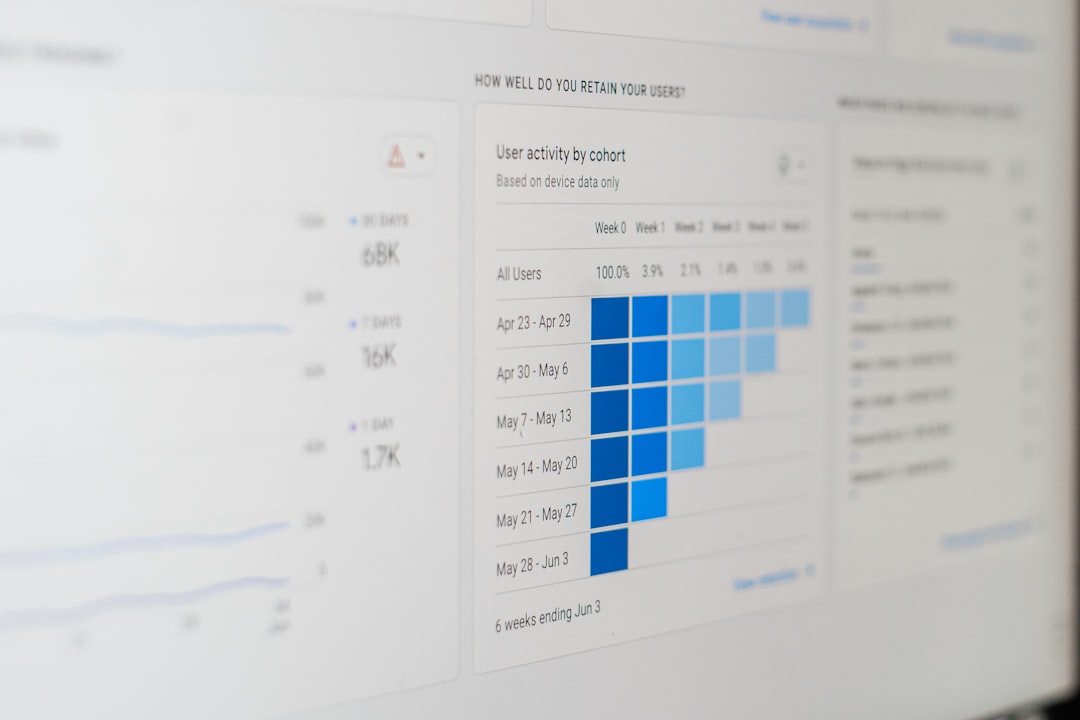
15 ClickUp Alternatives Compared
1. Asana
Best for: marketing, operations, and cross-functional teams.
Asana offers a polished interface, strong task ownership, timelines, forms, goals, and workload management. It is less cluttered than ClickUp and easier for non-technical users to adopt. Its reporting is solid, though advanced portfolio management may require higher-tier plans.
2. Monday.com
Best for: teams that want highly visual and customizable workflows.
Monday.com is flexible, colorful, and approachable. It works well for campaign calendars, sales pipelines, HR processes, and project tracking. Compared with ClickUp, it feels more structured visually, but costs can rise as automations, dashboards, and integrations scale.
3. Trello
Best for: simple Kanban boards and lightweight collaboration.
Trello is one of the easiest tools to learn. It is ideal for small teams, editorial calendars, and personal productivity. However, it is not the strongest option for complex dependencies, detailed reporting, or enterprise resource planning.
4. Jira
Best for: software development and agile engineering teams.
Jira remains a standard for Scrum, Kanban, sprint planning, backlog refinement, issue tracking, and release management. It is more technical than ClickUp, but it offers deeper development workflows. Non-technical departments may find it too rigid or complex.
5. Wrike
Best for: enterprise project management and professional services.
Wrike provides strong dashboards, request forms, time tracking, proofing, workflow automation, and permissions. It is suitable for teams that need robust visibility across departments. The learning curve can be steeper than some lighter alternatives.
6. Smartsheet
Best for: spreadsheet-oriented project tracking and enterprise reporting.
Smartsheet combines spreadsheet familiarity with project management features such as Gantt charts, automation, forms, and dashboards. It is powerful for PMOs and operations teams, especially when stakeholders prefer grid-based planning.
7. Notion
Best for: documentation, knowledge bases, and flexible workspaces.
Notion is excellent for teams that want tasks, notes, wikis, meeting records, and internal documentation in one place. It is more open-ended than ClickUp, which can be helpful or risky depending on governance. It is not the strongest option for advanced project reporting.
8. Airtable
Best for: database-driven workflows and structured content operations.
Airtable is useful when projects involve structured records, such as content inventories, product catalogs, research pipelines, or CRM-like workflows. Its views, forms, automations, and interfaces make it more database-oriented than ClickUp.
9. Basecamp
Best for: straightforward communication and client collaboration.
Basecamp emphasizes simplicity: message boards, to-dos, schedules, file sharing, and team communication. It is a good fit for organizations that want less project management overhead. It lacks the advanced automation and analytics found in more complex platforms.
10. Teamwork
Best for: agencies and client services businesses.
Teamwork includes task management, time tracking, budgets, client permissions, invoicing support, and workload planning. Agencies that need to connect delivery with profitability may find it more practical than ClickUp.
11. Microsoft Planner and Microsoft Project
Best for: organizations already using Microsoft 365.
Microsoft Planner is simple and useful for task boards, while Microsoft Project is more advanced for formal project planning. The Microsoft ecosystem is attractive for companies that rely on Teams, Outlook, SharePoint, and enterprise identity management.
12. Todoist
Best for: individuals and very small teams focused on task execution.
Todoist is clean, fast, and excellent for personal productivity. It supports recurring tasks, labels, filters, and shared projects. It is not a full replacement for ClickUp in complex organizations, but it can outperform heavier tools for simple work management.
13. Linear
Best for: product and engineering teams that value speed.
Linear is known for a fast interface, issue tracking, cycles, roadmaps, and product development workflows. It is less general-purpose than ClickUp, but for software teams that want focus and performance, it is a serious contender.
14. Zoho Projects
Best for: cost-conscious teams and Zoho ecosystem users.
Zoho Projects includes task management, milestones, time tracking, Gantt charts, issue tracking, and integrations with other Zoho applications. It offers good value, especially for teams already using Zoho CRM, Zoho Books, or Zoho Desk.
15. Hive
Best for: teams wanting collaboration, automation, and multiple project views.
Hive provides Kanban, Gantt, calendar, table, and portfolio views, along with messaging and automation. It is a balanced option for teams that want ClickUp-like flexibility with a somewhat different interface and collaboration model.
Quick Comparison by Use Case
- Best overall business alternative: Asana or Monday.com
- Best for software teams: Jira or Linear
- Best for enterprise PMOs: Wrike or Smartsheet
- Best for agencies: Teamwork
- Best for simple boards: Trello
- Best for documentation-heavy teams: Notion
- Best for Microsoft-based companies: Microsoft Planner and Project
- Best budget-conscious option: Zoho Projects
What to Watch Before Migrating
Migration should be treated as an operational project, not a quick software switch. Export a sample of active projects, test permissions, recreate automations, and review reporting requirements before committing. A tool that looks excellent in a demo may fail if it cannot support your real approval process, dependency structure, or client reporting format.
It is also wise to run a two to four week pilot with one department. Track adoption rates, task completion visibility, and time spent in status meetings. If a pilot team reduces weekly coordination meetings from five hours to three, that is a measurable sign the platform is improving clarity.

Final Recommendation
If ClickUp feels too complex, start by evaluating Asana, Monday.com, and Trello. If your work is technical, compare Jira and Linear. If you need enterprise reporting, look closely at Wrike and Smartsheet. For client-based businesses, Teamwork deserves serious attention.
The best ClickUp alternative is not necessarily the tool with the most features. It is the one that gives your team reliable visibility, clear ownership, fewer manual updates, and consistent delivery. Choose based on your workflow maturity, not just your current frustration.