
Pick shadcn/ui if your SaaS team builds in React and wants control fast; pick Untitled UI if design speed matters more; pick MUI if you need mature enterprise components. MUI is the safest bet for large product teams, with its Material UI repository sitting above 90,000 GitHub stars [source: GitHub].
TLDR: For most early SaaS startups, shadcn/ui is the best balance of speed, ownership, and modern design. For example, a 3-person team building a billing dashboard could ship a polished MVP in 2 to 3 weeks with shadcn/ui, while still owning the code. Untitled UI is better if your designer lives in Figma and needs ready-made flows. MUI wins when tables, filters, forms, and accessibility rules matter more than visual freshness.
Quick comparison
- Best for MVPs: shadcn/ui
- Best for Figma-first teams: Untitled UI
- Best for complex admin apps: MUI
- Best visual style out of the box: Untitled UI
- Best developer control: shadcn/ui
- Best long-term component coverage: MUI
That sounds clean. Real life is messier. SaaS teams do not just need buttons and cards. They need pricing pages, onboarding screens, empty states, billing tables, role settings, charts, command menus, modals, and error states. The design system you choose can save weeks. Or it can quietly slow every sprint.
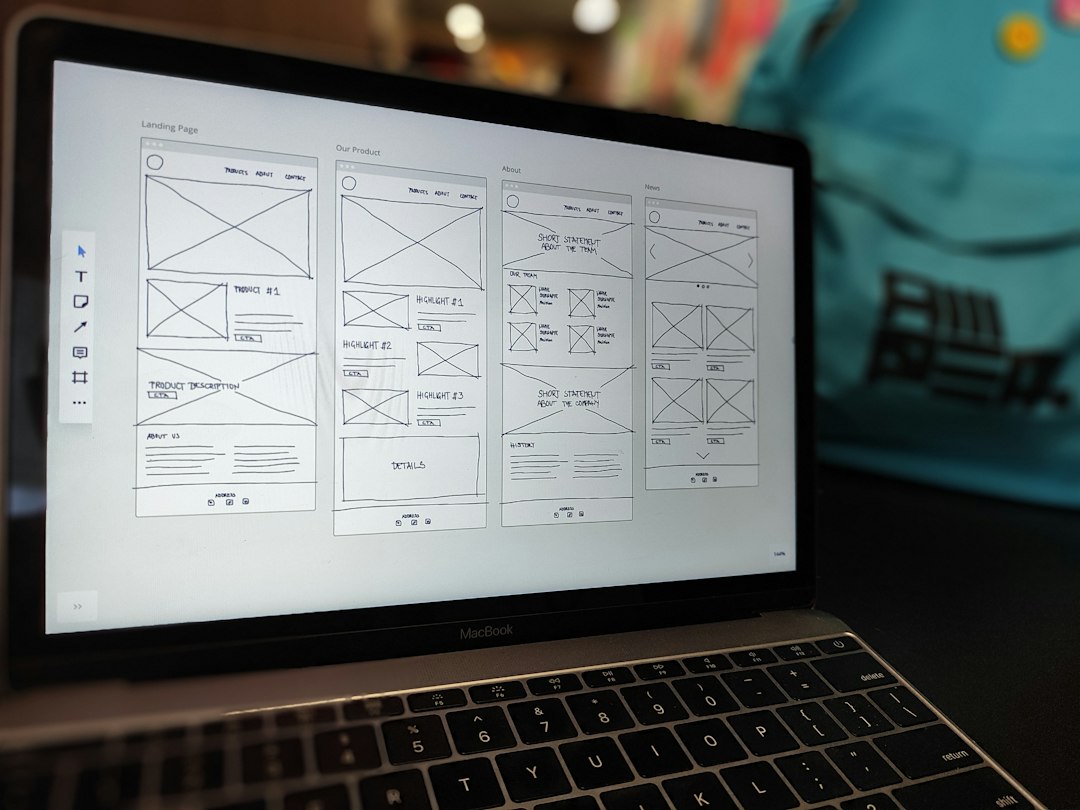
Untitled UI: best for polished SaaS design fast
Untitled UI is a huge UI kit built around modern SaaS patterns. It is very strong in Figma. You get dashboards, landing pages, settings screens, pricing sections, charts, modals, and tons of tiny interface parts that usually eat time.
This is its main win: it helps teams stop staring at blank frames. If your startup has a designer, Untitled UI can make the product feel funded before it is funded. The spacing, typography, and component states are clean. The patterns feel familiar in a good way.
The catch is that recreating those designs in code can still take effort. If your developer team wants copy-paste React components that already match the design, Untitled UI may feel like only half the job. You get the product thinking and the visual system, but your engineers still need to build or adapt the front end.
Use Untitled UI when:
- You design heavily in Figma.
- You need landing pages and app screens fast.
- Your product must look premium before launch.
- You have a designer and developer working together.
shadcn/ui: best for startups that want control
shadcn/ui is not a normal component library. You do not install one huge package and call it a day. Instead, you copy components into your codebase. That sounds odd at first. Then it makes sense.
Your team owns the code. You can edit the button, dialog, form, toast, or command menu without fighting a black box. It pairs well with Tailwind CSS and Radix primitives, so the result feels flexible but still solid. The docs are also clear, which matters when a deadline is ugly.
Honestly, it feels like shadcn/ui became popular because developers were tired of undoing other libraries. A small change should not require five overrides and a prayer. With shadcn/ui, changing a component can take 30 seconds instead of digging through theme objects for 10 minutes.
Use shadcn/ui when:
- You are building with React, Next.js, or a similar stack.
- You want clean code you can own.
- You like Tailwind CSS.
- You need modern SaaS UI without heavy styling rules.

MUI: best for serious product depth
MUI is the veteran here. It has been used in real products for years. It has broad component coverage, strong accessibility work, theming, icons, layout tools, and paid options for data grids and advanced use cases.
For SaaS products with dense admin screens, MUI can be a relief. Think user permissions, audit logs, billing history, data tables, filters, exports, and multi-step forms. MUI has answers for many of these problems. That maturity matters once your app stops being a pretty prototype.
But MUI has a visual fingerprint. Many products using it end up looking similar unless the team spends time customizing the theme. It drives me crazy that small visual tweaks can sometimes feel heavier than they should. You may need to touch theme settings, style props, and overrides just to make one section feel less “default Material.”
Use MUI when:
- Your SaaS has complex forms or tables.
- You need a stable, well-known library.
- Your team cares about accessibility and support.
- You are building internal tools or enterprise software.
Which one should your startup choose?
If you are pre-seed or building an MVP, start with shadcn/ui. It moves fast, looks modern, and keeps you in control. It is especially strong for founder-led teams with one or two engineers.
If your biggest risk is looking unpolished, choose Untitled UI. It is great for pitch-ready design, SaaS landing pages, onboarding, and product mockups. It helps clarify product direction before code becomes expensive.
If your product is already growing and needs deeper features, choose MUI. It is not always the freshest-looking option, but it is dependable. That matters when customers expect your app to work every day.

Final recommendation
For most SaaS startups, the ranking is simple: shadcn/ui first, Untitled UI second, MUI third. But context changes the winner. A design-heavy team may get more from Untitled UI. A B2B analytics platform may be better off with MUI.
The smart move is to test one real flow before committing. Build a sign-up screen, a settings page, and a data table. Time the work. Check how easy it is to change spacing, colors, and states. The best design system is not the one with the nicest demo. It is the one your team can still enjoy using after sprint six.