
Use a website wireframe builder when decisions are still about structure; use an AI UI generator when you need visual options fast. That is the simplest way to choose. Good UX is not cosmetic either: 88% of online consumers are less likely to return to a site after a bad experience [source: Amazon Web Services].
TLDR: A website wireframe builder is best for planning pages, user flows, content blocks, and basic layouts before anyone worries about colors. An AI UI generator is better when you want quick polished screens, style ideas, or a starting point for a visual design. For example, a startup planning a 5-page booking flow may spend 3 hours wireframing the logic first, then use AI to create 6 visual directions in 20 minutes. If your project has unclear requirements, start with wireframes; if the structure is already locked, AI can speed up the next step.
What a Website Wireframe Builder Does Best
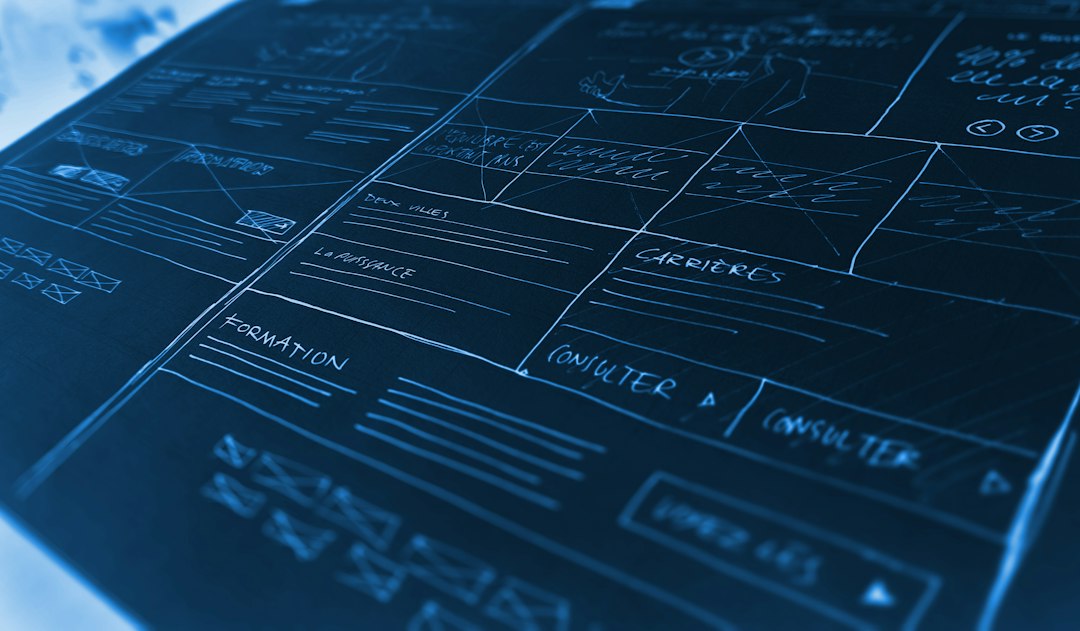
A wireframe builder helps you map the skeleton of a website. Think boxes, sections, buttons, forms, headers, and simple user paths. It is not trying to win a design award. It is trying to answer plain questions.
- Where does the main call to action go?
- How many steps should the checkout flow have?
- Does the homepage explain the product fast enough?
- Can users find pricing, support, or sign up?
This is where wireframes shine. They keep people focused. A client cannot spend 15 minutes arguing about the shade of blue if everything is gray. That alone can save a meeting.
Honestly, it feels like half of early design work is just stopping people from skipping to colors too soon. A wireframe builder makes that easier. You can test the bones before dressing the page.
What an AI UI Generator Does Best
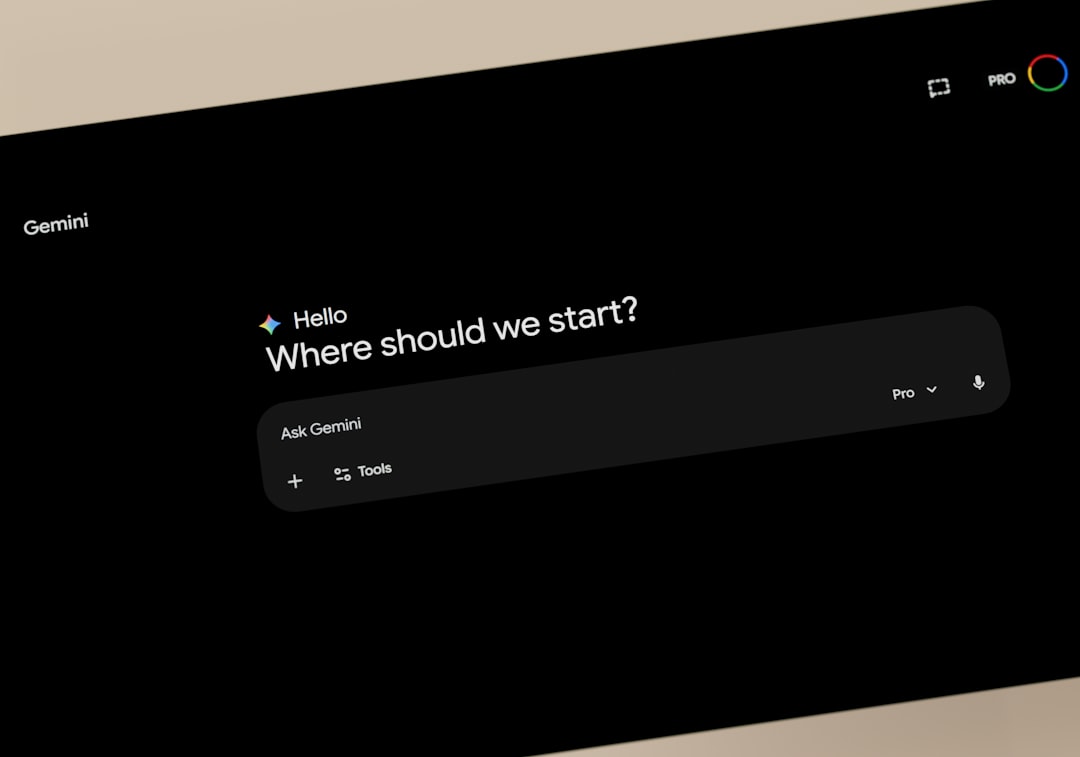
An AI UI generator takes prompts and turns them into interface concepts. You might type, “Create a clean SaaS dashboard for project managers,” and get a set of polished screens. Some tools can suggest layouts, color palettes, cards, buttons, and even copy.
This is useful when you need speed. It can help with mood, direction, and first drafts. It is great for blank-page panic. It can also help non-designers explain what they want without building every screen by hand.
But there is a catch. AI often makes screens that look finished before they are actually useful. The spacing may look nice. The gradient may feel modern. Yet the flow may still be weak. A checkout button might sit in the wrong place. A form may ask for too much. A dashboard may show pretty cards with no clear priority.
Where Wireframe Builders Win
Choose a wireframe builder when your team is still asking “what should this page do?” That question comes before style.
- Information architecture: Plan menus, sections, and content order.
- User journeys: Map each step from landing page to conversion.
- Stakeholder feedback: Get comments without visual distractions.
- Early testing: Show users a rough flow and spot confusion early.
- Team alignment: Agree on layout before design and code begin.
Wireframes are also better for regulated or complex sites. Think banking, healthcare, education, insurance, or large ecommerce. In these cases, a pretty mockup is not enough. You need logic, hierarchy, and fewer mistakes.
Where AI UI Generators Win
Choose an AI UI generator when the goal is visual speed. It can give you more options than a human team can sketch in a short workshop.
- Rapid concepts: Generate several directions for a landing page.
- Style exploration: Test light, dark, minimal, bold, or luxury looks.
- Pitch material: Create mockups for early investor or client decks.
- Small teams: Help founders or marketers create a visual brief.
- Design inspiration: Break creative blocks when ideas feel stale.
Expect to waste time on cleanup, though. AI may create fake menu labels, odd button text, mismatched spacing, or sections that do not match your actual product. It can save the first 30 minutes and cost you 20 minutes fixing weird details. Still, that trade can be worth it.
Workflow Fit: Which One Should You Pick?
The right tool depends on your project stage.
- Discovery stage: Use a wireframe builder.
- Content planning: Use a wireframe builder.
- Client approval on structure: Use a wireframe builder.
- Visual exploration: Use an AI UI generator.
- Pitch decks and quick concepts: Use an AI UI generator.
- Final product design: Use both, then refine by hand.
A smart workflow often uses both. Start with a wireframe. Lock the page goals. Confirm the flow. Then use AI to test several visual styles. After that, a designer should clean, adjust, and prepare the final UI system.
A Simple Example
Say you are building a website for a meal subscription service. The team needs a homepage, menu page, pricing page, checkout flow, and account area.
First, use a wireframe builder to define the path: visitor sees meals, compares plans, picks a box, enters delivery details, and pays. You may find that the pricing page needs a FAQ block, or that checkout should be 2 steps instead of 4.
Next, use an AI UI generator to create three visual styles: clean and healthy, premium and elegant, or bright and family-friendly. Now the team can compare mood without rebuilding the structure each time.

The Better Choice
If you only choose one, pick based on risk. If the biggest risk is confusing users, choose a wireframe builder. If the biggest risk is moving too slowly on visual ideas, choose an AI UI generator.
For most serious website projects, the best answer is not one tool against the other. It is order. Wireframe first. Generate visuals second. Edit carefully after that. That keeps your workflow fast without letting the tool make the product decisions for you.