
Treat a Cloudflare 520 as an “unknown origin response” and a 502 as a “bad gateway” with a clearer upstream failure path. That distinction saves time because the same page can look broken to users, yet the root cause often sits in different parts of the stack.
TLDR: A 520 error usually means Cloudflare reached your origin server, but the origin sent something invalid, empty, blocked, or unexpected. A 502 error means Cloudflare or another gateway received a bad response from the upstream server, often due to crashes, timeouts, TLS issues, or proxy misconfiguration. For example, if a store gets 18,000 visits per day and 6% of checkout requests return 520 after a firewall rule change, start with origin logs, blocked Cloudflare IPs, and headers. If the same store shows 502 after a PHP-FPM restart loop, inspect upstream health, sockets, ports, and reverse proxy errors first.
What a Cloudflare 520 Error Really Means
A Cloudflare 520 error is a generic failure code. Cloudflare uses it when the origin server returns a response that does not fit a standard HTTP error category. That can feel vague, and honestly, it feels like the error is hiding the real problem when you need a fix right now.
Common 520 causes include:
- Origin server crashes or abruptly closes the connection.
- Empty responses from Apache, Nginx, Node.js, PHP-FPM, or an app server.
- Blocked Cloudflare IP ranges in a firewall, WAF, security plugin, or hosting control panel.
- Oversized headers, often from too many cookies or large authentication tokens.
- Invalid HTTP responses from custom code, old plugins, or broken middleware.
- TLS or handshake problems, especially after certificate or cipher changes.
With 520, Cloudflare is saying: “I contacted the origin, but the response was not usable.” That makes it different from pure DNS failure or a simple offline server. The origin may still be running, but it is not replying in a clean way.
Image not found in postmetaWhat a Cloudflare 502 Error Usually Means
A 502 Bad Gateway is more specific. It means a server acting as a gateway or proxy received an invalid response from another server. With Cloudflare in front, the failed handoff may happen between Cloudflare and the origin, or inside the origin stack itself.
Typical 502 causes include:
- Nginx cannot reach PHP-FPM because the socket or port is wrong.
- Application workers are down, overloaded, or restarting.
- Upstream timeout because the app takes too long to respond.
- SSL mode mismatch, such as Full Strict with a bad origin certificate.
- Load balancer health checks fail and traffic is sent to a weak backend.
- Cloudflare service issue, though this is less common than origin-side failure.
A 502 has a more classic proxy pattern. The gateway asked the upstream for a response. The upstream failed to provide one that the gateway could accept.
Cloudflare 520 vs 502: The Practical Difference
The fastest way to separate them is to ask: Did the origin reply in a strange way, or did the gateway fail to get a valid upstream response?
| Error | Meaning | Best First Checks |
|---|---|---|
| 520 | Cloudflare received an unknown, empty, or invalid response from origin. | Origin logs, firewall blocks, response headers, app crashes. |
| 502 | A gateway received a bad response from an upstream server. | Nginx errors, PHP-FPM status, upstream ports, TLS settings. |
Expect to waste time on guesswork if you only refresh the page. Both errors can appear during traffic spikes. Both can come and go. The deciding evidence sits in logs, timestamps, Ray IDs, and direct origin tests.
How to Troubleshoot a 520 Error
Start with the Cloudflare Ray ID, timestamp, URL, and visitor location. Match that against your origin access and error logs. If Cloudflare shows a 520, but the origin has no matching access log entry, a firewall or network rule may have blocked the request before the web server logged it.
- Check whether Cloudflare IPs are allowed. Hosting firewalls, fail2ban, ModSecurity, WordPress security plugins, and external WAF tools can block valid Cloudflare traffic.
- Review web server error logs. Look for connection resets, segmentation faults, worker crashes, and “upstream prematurely closed connection” messages.
- Test the origin directly. Use
curlagainst the origin IP with the correctHostheader. Compare this with the Cloudflare-proxied request. - Inspect headers and cookies. Large cookies can push requests beyond server limits. Authentication systems and analytics tags often add silent bulk.
- Temporarily pause security rules. Do this carefully and briefly. If the error stops, re-enable rules one by one.
Example command:
curl -svo /dev/null https://203.0.113.10/ -H "Host: example.com"If the direct origin test fails or returns odd headers, Cloudflare is probably not the main issue. Fix the origin response first.
How to Troubleshoot a 502 Error
For 502, focus on the chain behind the proxy. If you use Nginx with PHP-FPM, check whether PHP-FPM is alive and listening on the expected socket. If you use Node.js, confirm the app process is bound to the correct port. If you use Kubernetes, inspect pod readiness and ingress logs.
- Check upstream health. Confirm that backend services are running, not stuck, and not restarting every few seconds.
- Read reverse proxy logs. Nginx and Apache usually state whether the upstream closed early, timed out, or refused the connection.
- Validate SSL at the origin. A wrong certificate, expired certificate, or unsupported cipher can trigger gateway failures.
- Check resource pressure. CPU at 95%, full memory, or exhausted PHP workers can produce waves of 502 errors.
- Compare Cloudflare and origin timing. If 502 began right after a deploy, restart, or package update, roll back or check config diffs.
A useful clue is frequency. If 502 appears only under load, suspect worker limits, queue depth, database locks, or upstream timeouts. If it appears after every request, suspect a hard config error.
When the Error Is Intermittent
Intermittent failures are harder. A site may pass uptime checks but fail for real users during login, checkout, or API calls. That happens because uptime monitors often hit a light homepage, while users trigger heavier code paths.
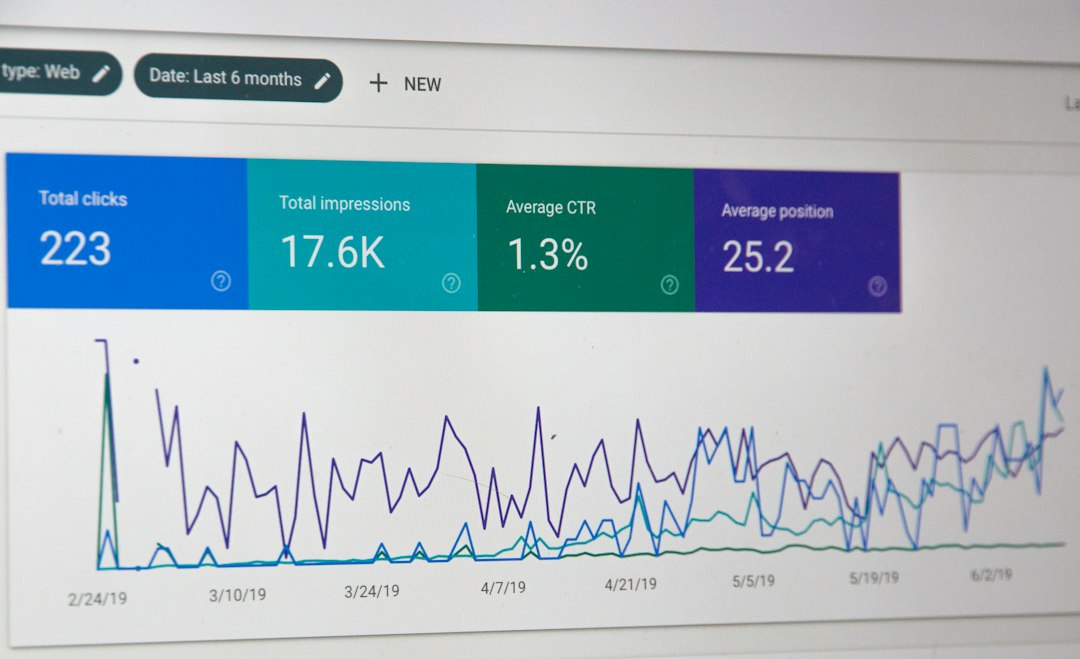
Use segmented tracking. Separate errors by path, method, country, cache status, and user agent. A 520 on /wp-admin/admin-ajax.php points to a different issue than a 502 on /api/payment/confirm. If 4% of POST requests fail while GET requests stay clean, inspect request bodies, headers, session logic, and backend workers.
Best Evidence to Collect Before Contacting Support
Support teams work faster when you provide clean evidence. Send the exact URL, timestamp with timezone, Cloudflare Ray ID, origin error log lines, recent deployment details, and whether direct origin testing works.
Also include:
- Cloudflare SSL mode, such as Flexible, Full, or Full Strict.
- Origin server software, such as Nginx, Apache, LiteSpeed, Node.js, or IIS.
- Recent changes to firewall rules, plugins, DNS, TLS, or hosting.
- Error rate, such as “230 failures from 5,400 requests in 30 minutes.”
Final Recommendation
For 520, start with origin response quality and security blocking. The server may be reachable, but it is sending something Cloudflare cannot process. For 502, start with upstream health and proxy configuration. The gateway is telling you that the backend chain is broken or unstable.
The serious fix is not to keep clearing cache or toggling settings at random. Match Cloudflare Ray IDs to origin logs, test the origin directly, and isolate the layer that first fails. That method is slower for the first five minutes, but it prevents hours of blind changes and repeat outages.