
Flightradar24 is the best all-round Planefinder alternative for most people, but FlightAware, ADS-B Exchange, RadarBox, OpenSky Network, and PlanePlotter each fit different tracking needs. Modern flight tracking is built mostly on ADS-B, where aircraft broadcast identity, position, altitude, and speed data at high frequency [source: FAA]. That makes these tools useful for aviation fans, airport pickups, journalists, logistics teams, and serious aircraft monitoring.
TLDR: Use Flightradar24 if you want the cleanest live map and broad public coverage. Use FlightAware if you care more about airline schedules, delays, and airport boards. For example, a small operations team tracking 25 inbound flights per day may save 30 to 45 minutes by checking aircraft status, delay history, and estimated arrival times in one place. If you want fewer filtered aircraft, ADS-B Exchange is often the more transparent choice.

1. Flightradar24
Best for: general live flight tracking, clean maps, aircraft photos, and mobile use.
Flightradar24 is the obvious first choice if Planefinder feels too limited. The interface is fast, polished, and easy to read. You can tap an aircraft and see route, aircraft type, altitude, speed, registration, and past tracks. The mobile app is also strong.
The service uses ADS-B, MLAT, satellite data, and other sources. This gives it wide coverage, especially in busy airspace. The catch is that some military, private, and sensitive flights may be blocked or limited. That is common with consumer flight trackers, but it still annoys users who expect a complete picture.
2. FlightAware
Best for: airline tracking, airport delays, flight logs, and business aviation.
FlightAware is less flashy than Flightradar24, but it is strong where it counts. It is useful for checking scheduled flights, filed routes, airport status, cancellations, and delay patterns. If your main question is “Will this commercial flight arrive on time?”, FlightAware is often better than a pure map-first tool.
It also has strong coverage in North America and solid tools for FBOs, dispatchers, and aviation businesses. The site can feel busy. Honestly, it feels like simple tasks sometimes take two extra clicks. Still, the depth of flight status data makes it a serious alternative.
3. ADS-B Exchange
Best for: aircraft monitoring with fewer filters.
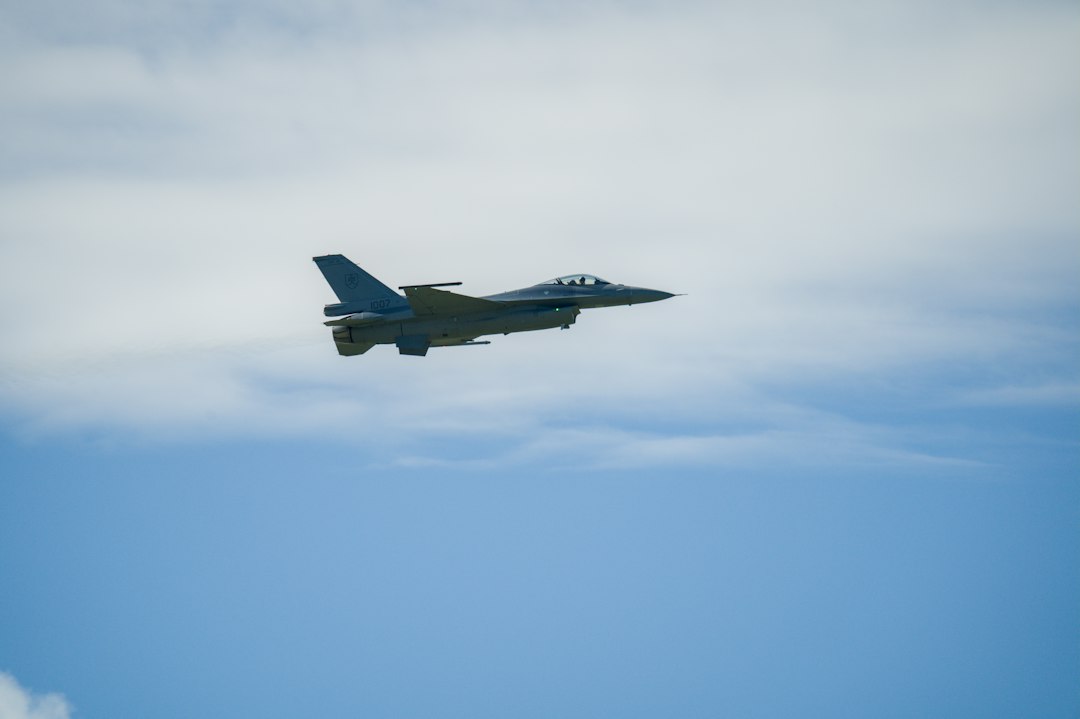
ADS-B Exchange has a different personality. It is known for showing a broad feed of ADS-B data and for avoiding many of the public filtering rules used by other consumer platforms. That is why aircraft spotters, journalists, and researchers often check it when an aircraft does not appear elsewhere.
The map is not as polished as Flightradar24. You may need time to understand the filters, labels, and aircraft details. But for raw visibility, it is hard to ignore. If you track unusual aircraft, government fleets, private jets, or special missions, this tool deserves a bookmark.
4. RadarBox
Best for: global tracking, airport views, fleet monitoring, and alerts.
RadarBox, from AirNav Systems, sits somewhere between Flightradar24 and FlightAware. It offers a live aviation map, aircraft details, photos, airport boards, playback, and alerts. The interface is clean enough for casual users but still has features that serious users will want.
RadarBox is also useful if you run your own ADS-B receiver. Feeding data can unlock account benefits, depending on the plan and program terms. Its business plans may interest operators that need fleet visibility or historical data. For most casual users, the free tier is enough for basic checks.
5. OpenSky Network
Best for: researchers, developers, students, and aviation data projects.
OpenSky Network is not the prettiest Planefinder replacement. It is better seen as a data platform. Researchers use it for traffic studies, machine learning projects, airport flow analysis, and academic work. Developers can access APIs and historical datasets, subject to rules and account limits.
If you want a smooth consumer map, pick another option. If you need data you can study, filter, and compare, OpenSky is worth the extra effort. It is especially useful for people who want to understand air traffic patterns rather than simply watch planes move across a screen.
6. PlanePlotter
Best for: hobbyists running receivers and building a local tracking setup.
PlanePlotter is old-school, but that is not always bad. It is software for users who want to receive, decode, and display aircraft data from sources such as ADS-B and ACARS. It can also share data with a network of other users.
This is not the easiest option. Expect setup work. You may need a receiver, an antenna, drivers, and some patience. It drives me crazy that hobby tools often hide the simple setup path behind forums and scattered notes. Still, PlanePlotter gives hands-on users more control than many web trackers.
Image not found in postmetaHow to choose the right alternative
- For casual tracking: choose Flightradar24.
- For airline delays and airport status: choose FlightAware.
- For less filtered aircraft visibility: choose ADS-B Exchange.
- For alerts and fleet-style tools: choose RadarBox.
- For research and APIs: choose OpenSky Network.
- For receiver hobby work: choose PlanePlotter.
What to watch before you rely on any tracker
No public tracker is perfect. Coverage depends on receiver density, satellite feeds, aircraft equipment, blocked registrations, and local rules. Oceanic regions, remote areas, low-altitude aircraft, and some private flights may show gaps. Arrival estimates can also shift fast when weather, air traffic control, or runway changes disrupt a route.
For the most reliable workflow, use two tools together. A good pairing is Flightradar24 plus FlightAware for airline travel, or ADS-B Exchange plus RadarBox for broader aircraft monitoring. Planefinder is still useful, but these six alternatives give you more ways to verify what is actually in the air.