Start by checking the deal terms before you get excited about the price. A lifetime software deal can save money, but only if the product stays useful, supported, and legally usable for your team. Gartner reported that worldwide public cloud spending was expected to reach $679 billion in 2024, which shows how fast software costs can stack up for businesses [source: Gartner].
TLDR: A good lifetime deal is not just cheap; it has clear support, update rights, refund rules, and license limits. For example, a $79 tool can be a bargain if it replaces a $20 monthly app for two years, but it is a waste if updates stop after six months. Check at least five public signals before buying: company history, user reviews, feature limits, roadmap activity, and support response quality. If two or more of those look weak, pause before paying.

1. Read the License Terms Like a Buyer, Not a Fan
Lifetime does not always mean unlimited forever. It often means lifetime access to a specific plan, a fixed user count, or one version of a product. This is where many buyers get burned.
Look for plain answers to these questions:
- How many users are included?
- Can you use it for client work?
- Are future features included?
- Is there a limit on projects, storage, exports, AI credits, or traffic?
- Can the license be transferred?
Honestly, it feels like some vendors hide the real limit three clicks deep in a help article. Do not rely on the sales headline. Save the terms as a PDF or screenshot before purchase. If the wording says “fair use,” ask what that means in numbers.
2. Test Support Before You Buy
Support is not a bonus. It is part of the product. A tool with no help can cost more than a monthly subscription because your team loses hours fixing simple issues.
Send a pre-sale question before buying. Make it specific. For example: “Does this deal include API access for three workspaces, and will this stay included after future plan changes?”
Then watch what happens.
- Did they answer within 24 to 48 hours?
- Was the answer clear?
- Did they avoid the hard part of the question?
- Did they send a canned reply?
It drives me crazy when a support team answers fast but says nothing useful. Speed matters, but clarity matters more. If they cannot explain the license before you pay, expect worse after the refund window closes.
3. Check Update History, Not Just the Roadmap
A public roadmap can look impressive. That does not prove the team ships real updates. Check the changelog, release notes, blog posts, and social channels. You want to see steady fixes, not just big promises.
A healthy product usually shows some mix of:
- Bug fixes every few weeks or months
- Security updates when needed
- Clear notes on new features
- Older customer requests marked as completed
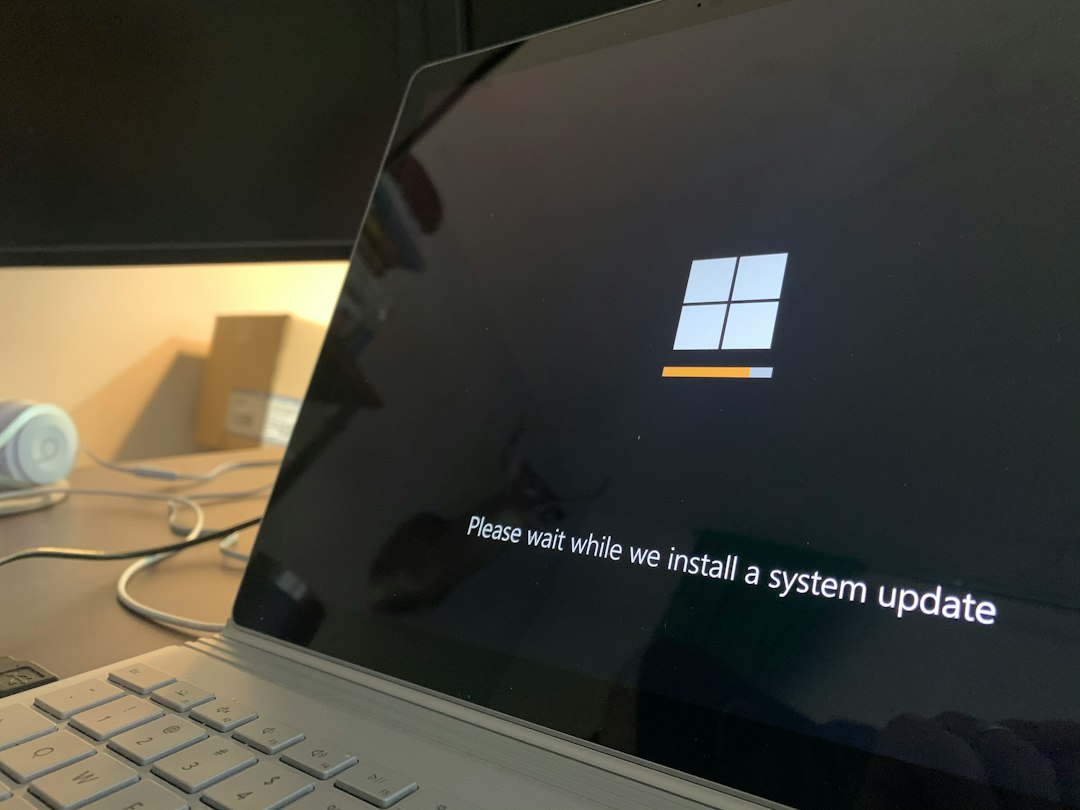
Be careful with tools that have not posted an update in six months, unless they are very simple products. A password manager, analytics tool, CRM, email platform, or AI app needs active care. Security and integrations change fast. Dead code becomes risky code.
4. Compare Reviews Across Several Places
Do not trust one glowing review page. Check deal platforms, software directories, Reddit threads, founder comments, and customer communities. You are looking for patterns, not drama.
One bad review is not a reason to skip a deal. Ten reviews complaining about the same issue are different. Pay close attention to comments about billing changes, broken exports, missing updates, and support silence.
Also check whether the company responds with respect. A serious vendor explains, fixes, or admits limits. A weak vendor blames users, dodges questions, or locks threads.
You can also search for the company name plus words like refund, support, license, downtime, and roadmap. The U.S. Federal Trade Commission has warned consumers to be careful with online claims and seller promises, which is useful advice here too [source: FTC].
5. Match the Deal to a Real Use Case
Do not buy because the discount looks huge. Buy because you have a clear job for the software in the next 30 days. Shelfware is still waste, even at 90% off.
Use a simple value test:
- Current monthly cost of similar tool: $25
- Lifetime deal price: $99
- Break-even point: about 4 months
- Minimum usage goal: at least once per week
If the tool saves your team two hours per month, and your hourly cost is $50, that is $100 in monthly value. In that case, a $99 lifetime purchase can make sense fast. But if nobody uses it after the first week, the deal was just another shiny distraction.

Final Buying Checklist
Before you buy any lifetime software deal, run this short check:
- License: Are user, workspace, storage, and client limits clear?
- Support: Did the team answer a real question well?
- Updates: Has the product shipped fixes recently?
- Reviews: Do complaints show a serious pattern?
- Fit: Will you use it within 30 days?
A reliable lifetime deal should feel boring in the best way. Clear terms. Active updates. Honest limits. Real support. If any of those pieces are missing, the “lifetime” promise may not be worth much at all.