
Want to watch Hotstar while traveling? Or maybe you want your favorite cricket match, drama, or movie night to work without a “not available in your region” message. Good news. NordVPN can work with Hotstar, including Disney+ Hotstar, but the result can depend on your location, server choice, and the Hotstar region you want to access.
TLDR: NordVPN may help you watch Hotstar while you are abroad, especially if you connect to a server in the right country. It is fast, simple, and has apps for most devices. If one server does not work, switch to another and clear your browser cookies. Always follow Hotstar’s rules and local laws.
So, does NordVPN work with Hotstar?
Yes, in many cases it does. NordVPN is one of the better VPNs for streaming because it has fast servers, strong privacy tools, and apps that are easy to use. For Hotstar, the big thing is choosing the correct server location.
Hotstar is region-based. That means the shows, sports, and movies you see can change depending on where you are. In some countries, the service is called Disney+ Hotstar. In others, Hotstar content may be part of Disney+, Hulu, or another platform.
If you already have a valid Hotstar account and you travel, NordVPN may help you connect as if you are back in your home region. That can be handy if you just want to keep watching your normal content library.
But here is the tiny plot twist. Streaming services are smart. They try to block VPN traffic. So NordVPN might work great today, while one server might fail tomorrow. This is normal in the VPN world. The trick is to switch servers, refresh, and try again.

Why use NordVPN for Hotstar?
NordVPN is popular for a few good reasons. It is not just a “press button, magic happens” app. Though, honestly, it feels close.
- Fast speeds: Great for HD and 4K streaming.
- Many servers: More choices if one server is blocked.
- Simple apps: Works on Windows, Mac, iPhone, Android, Android TV, and more.
- SmartPlay feature: Helps with streaming sites automatically.
- Strong privacy: Uses encryption to protect your connection.
Fast speed matters a lot. Nobody wants a cricket match to freeze right before the final over. Nobody wants a movie to buffer during the big emotional scene either. That is just rude.
Before you start
There are a few things to know first.
- You need an active Hotstar or Disney+ Hotstar account.
- You should connect to a server in the region where your account and content are available.
- Some payment methods may need to match the Hotstar region.
- Using a VPN may go against some streaming service terms.
This article is for people who want to access their normal streaming content while traveling or improve privacy while using the internet. Always check Hotstar’s terms and follow the rules in your country.
How to set up NordVPN for Hotstar
Setup is easy. You do not need to be a tech wizard. No cape required.
- Get NordVPN. Go to the NordVPN website and choose a plan.
- Download the app. Pick the app for your device.
- Install it. Follow the steps on screen.
- Sign in. Use your NordVPN account details.
- Connect to the right country. Choose a server where your Hotstar content is available.
- Open Hotstar. Use the app or website.
- Start watching. Grab snacks. Very important.
For example, if you usually watch Disney+ Hotstar India, you would need a server location that supports access to that region. Server availability can change, so check the NordVPN app and support pages for the latest options.

Best NordVPN settings for Hotstar
Most people can use NordVPN with the default settings. Still, a few tweaks can help if Hotstar is being stubborn.
- Use NordLynx: This is NordVPN’s fast VPN protocol. It is great for streaming.
- Turn on Auto Connect: This helps keep your VPN on when you use public Wi Fi.
- Try different servers: If one server fails, another may work.
- Use a browser: Sometimes the website works better than the app.
- Clear cookies: Old location data can confuse Hotstar.
To change the protocol, open NordVPN settings. Look for VPN Protocol. Choose NordLynx. Then reconnect. Simple.
What to do if Hotstar blocks NordVPN
If you see an error message, do not panic. Your couch adventure is not over.
Try these fixes:
- Disconnect and reconnect. This may put you on a different server.
- Pick another server in the same country. Some servers work better than others.
- Clear browser cookies and cache. Hotstar may remember your old location.
- Use incognito mode. This gives you a cleaner browser session.
- Restart the Hotstar app. Fully close it first.
- Update NordVPN. Old apps can cause problems.
- Contact NordVPN support. Ask which server works best for Hotstar.
NordVPN support is available 24/7. That is useful when your show starts in ten minutes and your screen says no. Very dramatic. Not in a good way.
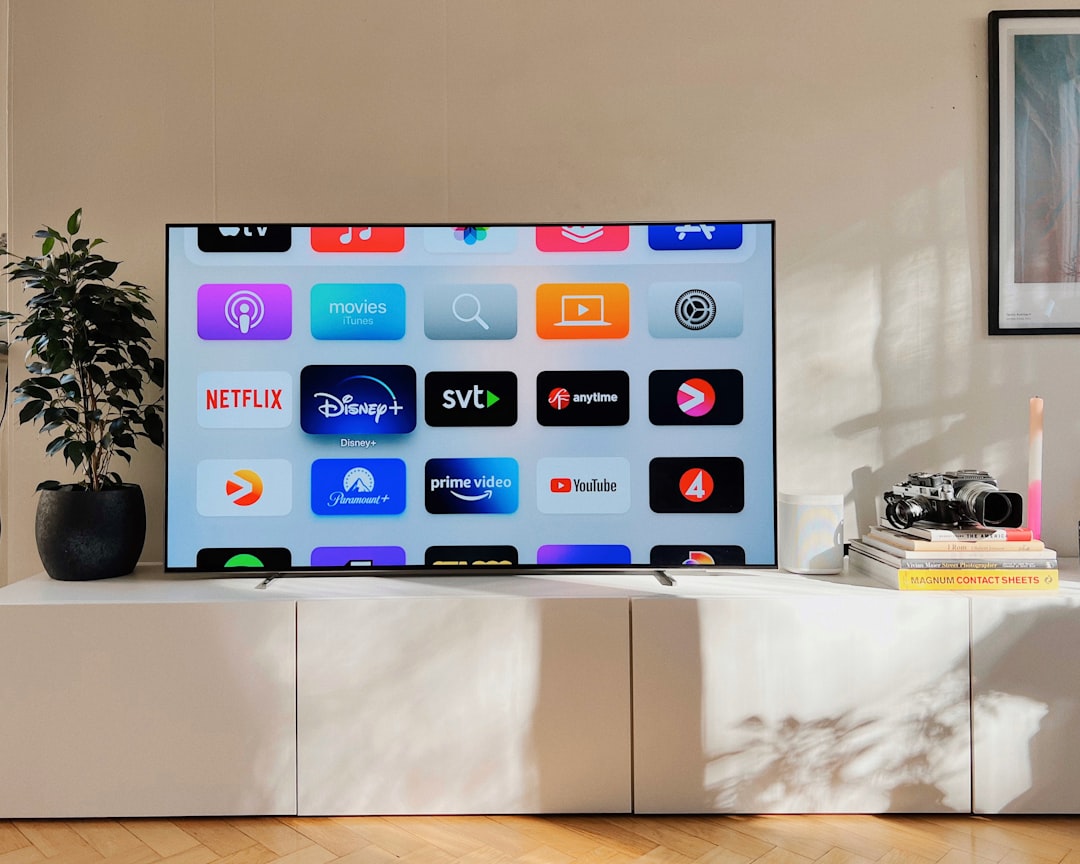
Can you use NordVPN for Hotstar on a smart TV?
Yes, but it depends on the TV. NordVPN has apps for Android TV and Fire TV. If you have one of those, setup is easy. Install NordVPN, sign in, connect, and open Hotstar.
If your smart TV does not support VPN apps, you have other choices:
- Install NordVPN on your router.
- Share a VPN connection from your computer.
- Use a streaming device that supports NordVPN.
The router method is powerful. It protects every device on your Wi Fi. But it is a little more technical. If you do not like router settings, use a Fire TV Stick or Android TV box instead. Much easier.
Will NordVPN make Hotstar faster?
Sometimes, yes. Sometimes, no.
A VPN usually adds a tiny bit of distance to your connection. That can slow things down. But NordVPN is fast, especially with NordLynx. If your internet provider slows streaming traffic, a VPN may even help by hiding what you are doing online.
For smooth streaming, aim for these speeds:
- 5 Mbps: Basic HD streaming.
- 15 Mbps: Better HD streaming.
- 25 Mbps or more: 4K streaming.
If the video buffers, try a closer server location, reduce video quality, or restart your router. The classic “turn it off and on again” still has magic powers.
Is NordVPN safe for Hotstar?
Yes, NordVPN is safe to use. It encrypts your connection and hides your IP address. This is useful on public Wi Fi, like in hotels, airports, and cafés. It can help protect your data from snoops.
NordVPN also has a no logs policy, threat protection tools, and a kill switch. The kill switch is useful. If the VPN drops, it can stop your internet connection for a moment. This helps prevent your real IP address from leaking.
Final verdict
NordVPN is a strong choice for Hotstar. It is fast, beginner-friendly, and packed with useful streaming features. It may not work with every server every time, because Hotstar can block VPNs. But with a few quick fixes, you have a good chance of getting it running.
If you want the simplest setup, use the NordVPN app, choose the correct country, and open Hotstar. If it does not work, switch servers and clear cookies. That is usually enough.
In short, NordVPN and Hotstar can be a solid match. Add snacks, a comfy chair, and your favorite show. Now you are ready for streaming glory.