
Choose a hardware firewall when you need tight control at a physical site, and choose a cloud firewall when users, apps, and data live across many locations. Most modern networks need both, but the balance depends on where traffic starts, where it ends, and how fast your team must change security rules.
TLDR: A hardware firewall protects a building, branch, or data center with a dedicated appliance at the network edge. A cloud firewall protects internet traffic, cloud workloads, remote users, and distributed offices through a managed service. For example, a company with 80 office employees and 20 remote staff may be fine with one appliance, while a firm with 300 remote users across five countries may cut management time by 40% using a cloud firewall policy model. If you run both cloud apps and office networks, a hybrid setup is often the cleanest answer.
What a Network-Based Firewall Actually Does
A network-based firewall sits between trusted and untrusted networks. It inspects traffic, blocks risky connections, and allows approved communication. Think of it as a security checkpoint for packets.
Classic firewalls filtered traffic by IP address, port, and protocol. Modern systems go much deeper. They can inspect applications, detect malware, block suspicious domains, control user access, and log traffic for audits.
The real question is no longer “Do we need a firewall?” Of course you do. The harder question is “Where should that firewall live?”
That is where the hardware firewall versus cloud firewall debate begins.
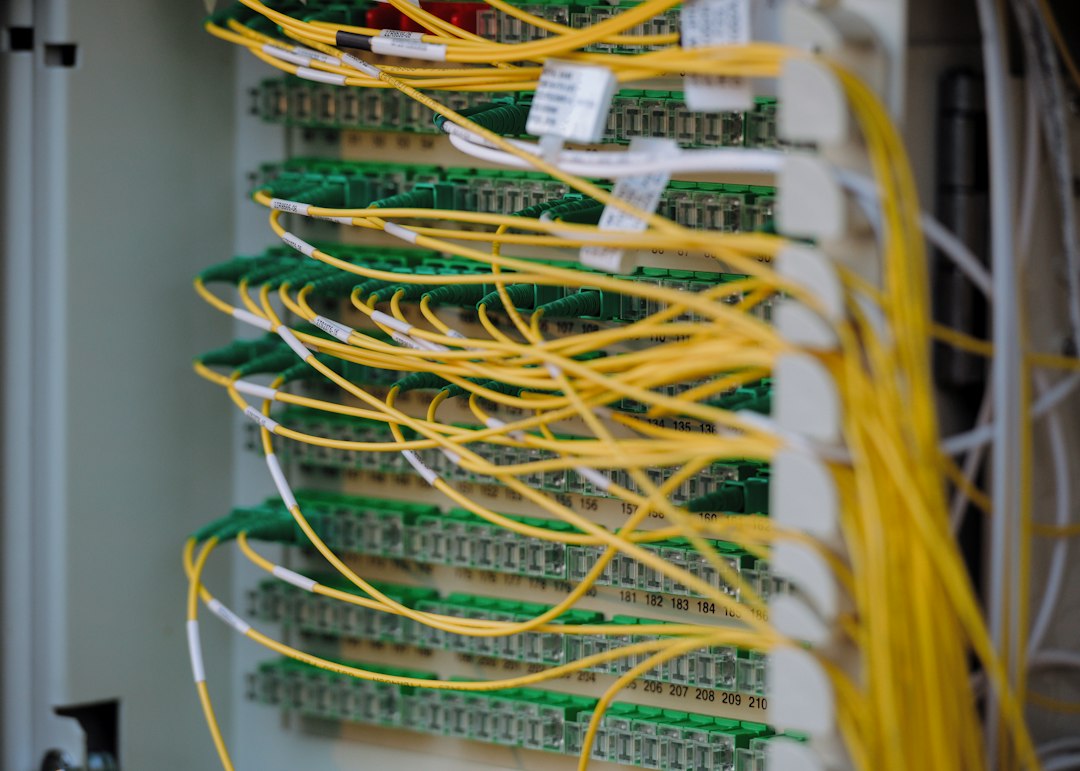
Hardware Firewall: Strong Perimeter Control
A hardware firewall is a physical device installed at a network edge. You usually place it between your internal network and the internet. It may sit in a server room, data center rack, branch office, or campus network.
Many well-known hardware firewalls include advanced features such as:
- Intrusion prevention to stop known attack patterns.
- VPN support for site-to-site and remote access connections.
- Network segmentation to separate departments, guests, servers, and payment systems.
- Deep packet inspection for closer traffic analysis.
- High availability with failover appliances.
Hardware firewalls shine when traffic flows through a predictable location. A warehouse, school, hospital, factory, or regional office can benefit from a dedicated appliance. It is also easier to keep certain regulated traffic fully inside a controlled physical environment.
The catch is that appliances create friction. Need more capacity? Buy a bigger box. Need protection at ten branches? Ship, install, configure, and maintain ten devices. Honestly, it feels like the firewall is doing its job while the operations team does all the heavy lifting.
Hardware Firewall Strengths
Physical firewalls are popular for good reasons. They give security teams direct control over network traffic, performance, and configuration. They can also handle large volumes of local traffic without sending it to an outside service.
Key advantages include:
- Low local latency: Traffic is inspected close to the users and devices.
- Strong site protection: Ideal for offices, plants, retail stores, and data centers.
- Clear ownership: Your team controls the appliance, firmware, rules, and logs.
- Segmentation control: Good for separating sensitive systems from general users.
- Offline usefulness: Internal rules can still work even if a cloud console is unavailable.
This model fits organizations with stable locations, predictable bandwidth, and internal security staff. It also works well when traffic must remain on premises for compliance or performance reasons.
Hardware Firewall Weaknesses
Hardware sounds solid, but it is not magic. Appliances need patching, monitoring, license renewals, backups, and spare capacity. If a device fails and there is no failover unit, the outage can be painful.
Scaling can also get expensive. A firewall sized for 500 Mbps may choke when the office upgrades to a 2 Gbps connection or starts doing full TLS inspection. That upgrade can mean new hardware, downtime planning, and a budget meeting nobody wanted.
Remote work creates another problem. If all remote user traffic must pass through the office firewall over VPN, performance can suffer. Users notice. Video calls stutter. File downloads crawl. People start asking why a cloud app feels slower than it did from a coffee shop.
Cloud Firewall: Protection Without the Box
A cloud firewall delivers firewall functions from a cloud service. It may be called Firewall as a Service, cloud network firewall, secure web gateway, or part of a broader SASE platform. The names vary, but the core idea is simple: security inspection happens in cloud points of presence instead of only inside your building.
Cloud firewalls are built for distributed traffic. They protect users at home, laptops on public Wi Fi, branch offices, cloud workloads, and SaaS access. Policies can follow the user, not just the network port.
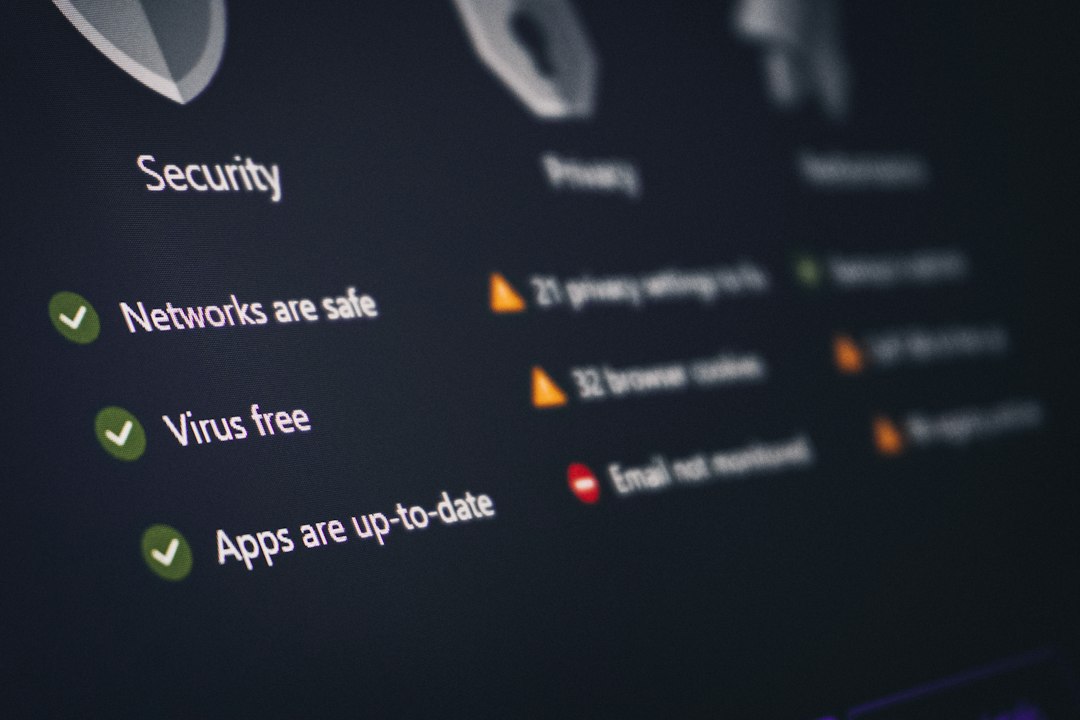
This is useful because applications have moved. Email, CRM, storage, payroll, and development tools often sit outside the corporate office. Backhauling all that traffic through one physical appliance can waste bandwidth and add delay.
Cloud Firewall Strengths
Cloud firewalls match the way many companies now operate. They are easier to roll out across remote teams, contractors, and branch offices. There is no appliance to rack in every location.
Main benefits include:
- Fast scaling: Add users, sites, and bandwidth without buying new boxes.
- Central policy control: Manage global rules from one console.
- Remote user protection: Apply security even when users are off the office network.
- Cloud app security: Protect access to SaaS, IaaS, and private cloud resources.
- Simpler branch rollout: Connect small offices without a full security stack on site.
A cloud firewall can also improve visibility. Instead of logs scattered across appliances in different offices, teams can analyze events in one place. That helps with incident response and reporting.
In many cases, updates happen faster too. Threat feeds, signatures, and service improvements can be pushed by the provider. Your team still owns the policy choices, but less time is spent babysitting hardware.
Cloud Firewall Weaknesses
Cloud protection depends on connectivity. If a branch internet link is poor, the inspection path may feel slow. If the provider has an outage in a region, users may need fallback routing.
Cost can also surprise teams. Monthly pricing looks simple at first. Then you add advanced threat protection, data loss prevention, log retention, private access, and higher bandwidth. Suddenly the clean subscription needs a closer review.
There is also a trust issue. You are sending traffic through someone else’s infrastructure. That may be fine, but security teams should review encryption, data handling, log storage, certifications, and support response times before signing.
Which One Protects Better?
Neither option is automatically better. They protect different patterns of traffic.
A hardware firewall is often stronger for fixed networks. It is great for a factory floor, internal server zone, or headquarters LAN. It gives tight control at the edge and can inspect local east-west and north-south traffic when designed well.
A cloud firewall is often stronger for distributed access. It works well when employees use SaaS tools, connect from home, or access cloud workloads from many networks. It reduces the need to force every connection through one office.
Most growing organizations end up with a blended model. The hardware firewall protects critical sites. The cloud firewall protects roaming users, cloud resources, and internet-bound traffic.

Quick Decision Guide
Pick a hardware firewall if:
- You have one or more large physical sites.
- Most traffic stays inside the office or data center.
- You need tight control over local segmentation.
- You have staff to manage appliances.
- Your compliance model favors on-site inspection.
Pick a cloud firewall if:
- Your users work from many places.
- Your apps are mostly SaaS or cloud hosted.
- You need fast rollout across branches.
- You want central policy without shipping hardware.
- Your bandwidth needs change often.
Use both if:
- You run offices, cloud workloads, and remote teams.
- You need local control and global policy.
- You want backup paths if one layer fails.
- You have sensitive systems on premises but users everywhere.
Final Takeaway
A network-based firewall is still a core security layer, but its location matters. A hardware firewall protects the perimeter you can point to. A cloud firewall protects the users and apps that no longer sit behind that perimeter.
The smartest choice starts with traffic flow, not vendor claims. Map your users, sites, apps, and data. Then place inspection where it reduces risk without slowing everyone down. Security should block attackers, not turn normal work into a waiting game.