
Nagish is a mobile communication app designed to make phone calls more accessible for people who are Deaf, hard of hearing, or who prefer reading conversations in real time. It focuses on AI-powered call captions, speech transcription, and text-to-speech features, helping users handle everyday phone calls without relying on a human interpreter.
TLDR: Nagish is best suited for users who need fast, private, captioned phone calls on a smartphone. For example, a hard-of-hearing professional could use it to answer a 10-minute medical office call, read live captions, and reply by voice or typed text. Its biggest strengths are real-time captions, privacy-focused automation, and a generally free consumer model in supported regions. However, people who need sign language interpretation, enterprise controls, or in-person live captioning may prefer alternatives such as InnoCaption, Sorenson, Ava, or Google Live Transcribe.
Nagish Review: What Is Nagish?
Nagish is an accessibility app that supports captioned phone calls through automatic speech recognition. Instead of requiring a relay operator to listen to the conversation, Nagish uses technology to transcribe what the other caller says. The user can then respond by speaking normally, typing a reply that is read aloud, or switching between communication modes during the call.
The app is typically used for calls involving healthcare providers, banks, employers, customer support teams, family members, and government offices. Its appeal comes from a simple idea: phone conversations should be accessible without extra friction, delay, or loss of privacy.
Key Accessibility Features
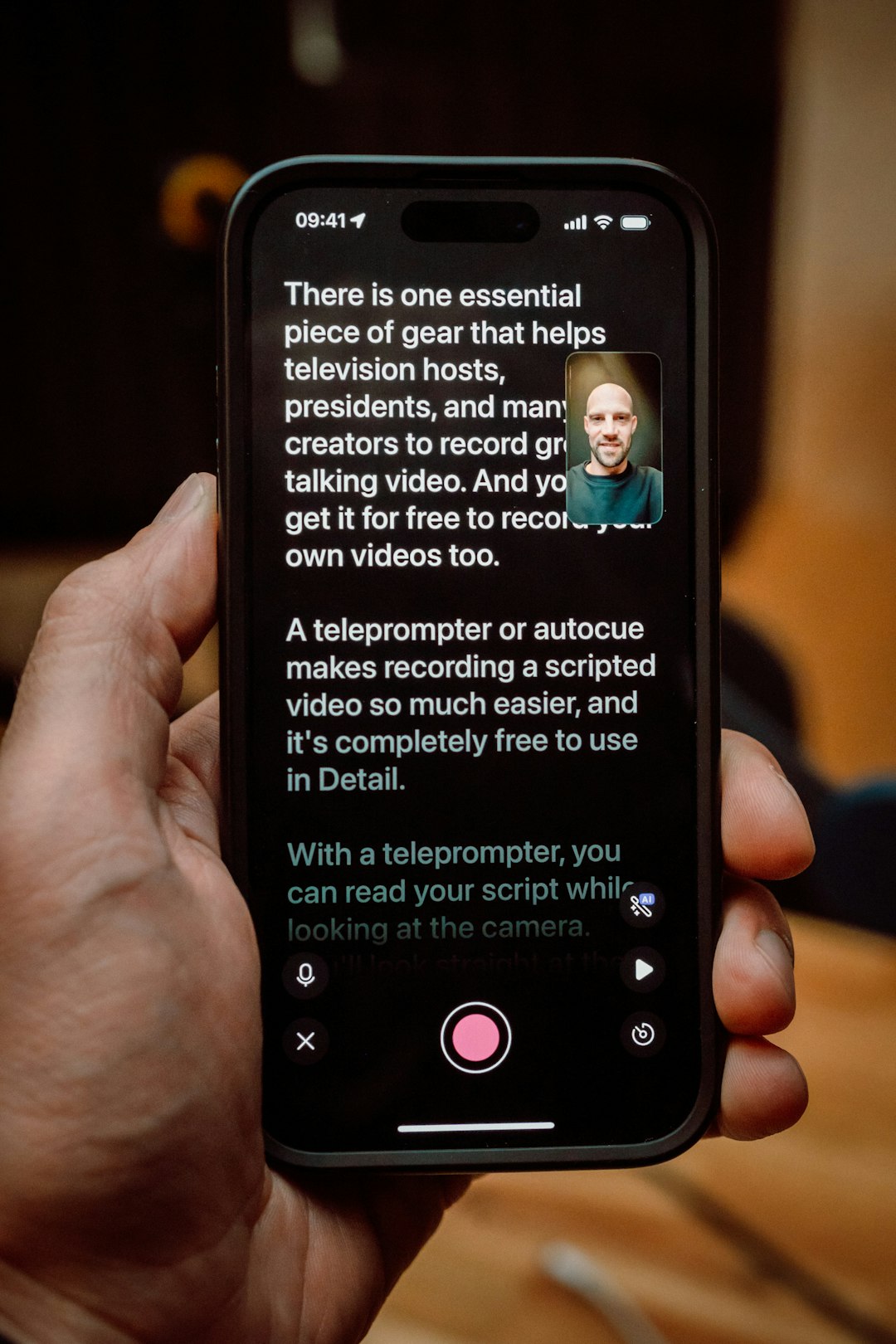
Nagish offers several accessibility features that make it useful for daily communication. The main feature is live call captioning, which displays the spoken words of the other caller as text on the screen. This helps users follow conversations more confidently, especially when audio quality is poor or the caller speaks quickly.
- Real-time captions: Spoken words are converted into readable text during phone calls.
- Text-to-speech replies: Users can type responses, and the app reads them aloud to the other person.
- Voice carry over: Users who prefer to speak can talk while reading captions from the other participant.
- Saved call transcripts: Some calls may be saved as text for later reference, depending on settings and local rules.
- No human relay operator: AI-based transcription can feel more private than traditional relay services.
- Mobile-first design: The app is built for smartphone calling, making it useful outside the home or office.
For many users, the absence of a third-party assistant is one of Nagish’s strongest benefits. Sensitive calls involving medical results, legal appointments, financial accounts, or employment matters may feel easier when automated captions are used instead of a human intermediary.
User Experience and Ease of Use
Nagish is designed to feel similar to a standard phone app. A user can place or receive calls, read captions on the screen, and decide whether to speak or type. This makes the learning curve relatively low for people who already use smartphone calling apps.
The interface generally emphasizes readability, with large caption text and a clean layout. This matters because captioned calls can become stressful if the text is cluttered or delayed. While accuracy can vary depending on accents, background noise, call quality, and speech speed, Nagish is built around fast transcription rather than manual relay typing.
In practice, the app is strongest in quiet environments with clear speakers. Like most automated transcription tools, it may struggle when multiple people speak at once, when technical vocabulary appears, or when the caller is on a weak connection.
Privacy and Security
Privacy is a major part of the Nagish value proposition. Because the app uses automated transcription, it reduces the need for another person to listen to the call. This is particularly important for users who frequently discuss personal information.
However, callers should still review the app’s current privacy policy, transcript storage options, and consent requirements. Laws around recording and storing call transcripts differ by location. A user who keeps written records of calls should be aware of whether both parties need to be notified.
Nagish Pricing
Nagish is commonly promoted as free for eligible users in supported areas, especially where accessibility telecommunications programs or relay service funding apply. This makes it attractive for individuals who need captioned calling but do not want a monthly subscription.
That said, pricing and eligibility can change by country, service type, and regulatory program. Users should confirm the latest pricing directly through the Nagish website or app store listing before signing up. Business, organizational, or specialized accessibility deployments may involve different terms than individual consumer use.
- Individual users: Often free in supported regions, subject to eligibility and availability.
- Mobile app access: Usually available through iOS and Android app stores.
- Business use: May require separate inquiry if an organization needs broader accessibility support.
Compared with paid transcription or captioning services, Nagish can be cost-effective for everyday phone calls. Its value is highest for users who make frequent voice calls and need captions consistently.

Pros and Cons
Pros
- Accessible phone calls: It helps users read conversations in real time.
- Flexible communication: Users can speak, type, or combine both methods.
- Privacy focused: AI captions reduce reliance on human relay operators.
- Good for daily tasks: It can support calls to doctors, schools, employers, and service providers.
- Potentially free: In supported regions, users may not need to pay subscription fees.
Cons
- Transcription is not perfect: Accuracy depends on call quality and speech clarity.
- Not a sign language service: It does not replace video relay interpretation for ASL or other signed languages.
- Availability may vary: Some features may depend on country, device, or eligibility.
- Less useful for group conversations: Multiple speakers can make captions harder to follow.
Best Nagish Alternatives
Nagish is a strong option, but it is not the only accessibility tool available. The best alternative depends on whether the user needs captioned phone calls, sign language interpretation, in-person transcription, or workplace accommodations.
- InnoCaption: A popular captioned calling app that offers real-time captions and is often used by people with hearing loss. It may be a close alternative for users comparing caption quality and reliability.
- CaptionCall Mobile: Designed for captioned phone conversations, especially for users who want a service connected to established captioned telephone solutions.
- Sorenson: Better for users who communicate primarily in sign language and need video relay services rather than text captions.
- Ava: Useful for live, in-person captioning in meetings, classrooms, and group discussions. It is less focused on standard phone calls.
- Google Live Transcribe: A free Android accessibility tool for live environmental speech transcription, though it is not a full replacement for captioned calling.
- Apple Live Captions: Available on supported Apple devices and useful for general captioning, though feature availability and performance vary.
Who Should Use Nagish?
Nagish is a good fit for people who need captioned phone calls and want a simple mobile app with privacy-focused transcription. It may be especially valuable for hard-of-hearing users who still speak for themselves but need to read the other person’s words.
It is less ideal for users whose primary language is sign language and who need an interpreter. It may also be less suitable for complex business environments that require admin dashboards, compliance reporting, or multi-user account management.
Final Verdict
Nagish is a practical, modern accessibility app that addresses a major communication barrier: the traditional voice phone call. Its combination of live captions, typed responses, and AI-based privacy makes it a strong choice for many Deaf and hard-of-hearing users. While it is not perfect and cannot replace every accessibility service, it performs well as a mobile captioned calling solution.
For users who mainly need phone call captions, Nagish deserves serious consideration. For sign language users, group meeting participants, or workplace teams with complex needs, alternatives may provide a better match.
FAQ
Is Nagish free?
Nagish is often available free for eligible individual users in supported regions. Pricing can change, so users should confirm current terms through the official app listing or provider information.
Does Nagish use a human interpreter?
No. Nagish primarily uses AI-powered transcription for captioned calls, which can offer a more private experience than traditional relay services involving a human operator.
Can Nagish replace sign language relay services?
Not usually. Nagish is focused on text captions and typed or spoken responses. Users who communicate primarily through sign language may prefer video relay services such as Sorenson.
Is Nagish available on iPhone and Android?
Nagish is generally designed as a mobile app and is commonly associated with iOS and Android availability. Device support should be checked in the relevant app store.
What is the best Nagish alternative?
For captioned calls, InnoCaption and CaptionCall Mobile are strong alternatives. For sign language communication, Sorenson may be more suitable. For live meetings or classrooms, Ava or Google Live Transcribe may be better options.