
Use mobile proxies when a website, app, or ad platform needs to see your request as coming from a real mobile carrier, not a data center. That matters because mobile devices account for well over half of global web traffic, around 60% in many recent monthly reports [source: StatCounter]. A mobile proxy routes your connection through a phone or mobile modem using 3G, 4G, or 5G. The result is an IP address that looks like it belongs to an ordinary smartphone user.
TLDR: A mobile proxy sends your traffic through a real mobile carrier IP, which makes it useful for ad checks, app testing, region-specific research, and account safety reviews. For example, a retail team could check 500 product pages from 10 cities and see whether mobile shoppers get different prices or popups. Expect slower speeds than data center proxies, often 1–5 seconds more per request, but higher trust on many mobile-first platforms. Use them when accuracy matters more than raw speed.
What Is a Mobile Proxy?
A mobile proxy is a server that passes your internet traffic through a mobile network before it reaches the target site. Instead of arriving from a hosting company or office broadband line, your request appears to come from a carrier such as Vodafone, AT&T, T-Mobile, Orange, or another mobile provider.
That small detail changes a lot. Many websites treat mobile carrier IPs as more “real” because they are tied to cellular networks used by everyday people. The IP may be shared by thousands of users due to carrier-grade NAT, a system carriers use to manage limited IPv4 addresses. That shared nature can make a mobile IP harder to judge based on one user’s behavior alone.
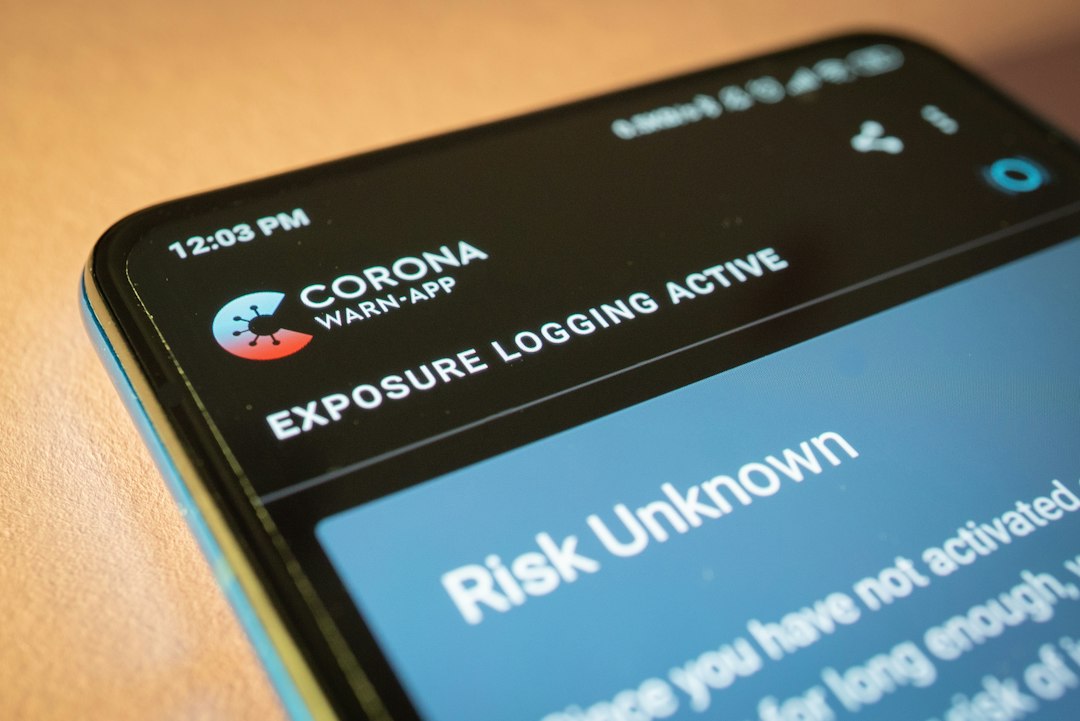
How Mobile Proxies Work
The basic flow is simple:
- You connect to a proxy provider using browser settings, an app, an API, or proxy credentials.
- The provider forwards your request through a mobile device, SIM bank, modem pool, or carrier connection.
- The website sees the mobile carrier IP, not your real IP address.
- The response returns through the same path to your device or software.
There are two common types of mobile proxy setups. Dedicated mobile proxies give you private access to one device, modem, or IP pool. They cost more but offer better control. Shared mobile proxies are cheaper, but other customers may use the same pool. That can cause random blocks, weird session issues, or reputation problems you did not create. It drives me crazy when a session fails because someone else abused the same subnet ten minutes earlier.
Most providers also offer IP rotation. This means your visible IP can change after a set time, after each request, or on demand. Some tools keep a sticky session, where you hold the same IP for 5, 10, or 30 minutes. Sticky sessions are useful for logging in, testing checkout flows, or viewing a multi-step mobile experience.
Why Mobile IPs Are Treated Differently
Mobile carrier IPs sit in a strange trust zone. They are not magic. They can still be blocked. But many sites hesitate to apply harsh filters because one mobile IP may represent many real users at once. Blocking it could also block legitimate customers.
This is why mobile proxies are popular for tasks where standard residential or data center proxies fail. A data center IP often screams “automation.” A mobile IP looks closer to a real person browsing on a phone during lunch.
- Higher trust: Carrier IPs often face fewer instant blocks.
- Better mobile testing: They show how content appears to mobile users in specific regions.
- More realistic ad checks: Mobile ads can differ by carrier, city, device type, and connection.
- Useful rotation: Mobile IP changes can mimic normal network changes.
When to Use Mobile Proxies
1. Mobile ad verification
Advertisers use mobile proxies to check whether ads appear correctly in different countries, cities, or carrier networks. This helps spot ad fraud, broken redirects, fake placements, and competitor hijacking. If your campaign targets Android users in Berlin, checking it from a desktop IP in London tells you very little.
2. App and website testing
Developers and QA teams use mobile proxies to test registration forms, payment flows, region locks, carrier billing pages, and mobile-only content. Honestly, it feels like a small tax on patience when each page loads 3 seconds slower, but the tradeoff is real-world accuracy.
3. Local SEO and search result checks
Search results can change by city, device, and connection type. A mobile proxy helps marketers see what a real phone user might see. This is useful for map rankings, local ads, shopping results, and mobile snippets.
4. Price and market research
Some ecommerce sites show different prices, stock notices, or delivery options to mobile users. A mobile proxy can help research teams compare regions without relying on guesswork. Keep the process respectful. Do not hammer sites with thousands of requests per minute.
5. Social media management and safety reviews
Mobile proxies can help agencies manage client accounts in a way that matches normal mobile usage. Still, this is not a free pass to spam. Platforms detect behavior, not just IPs. Ten accounts posting the same comment from “real” mobile IPs can still get flagged.
When Not to Use Them
Mobile proxies are not the right tool for every job. They are usually more expensive and slower than data center proxies. If you need to download large files, crawl millions of pages, or run speed-heavy tasks, a mobile proxy may waste money.
Skip mobile proxies for:
- High-volume scraping where speed matters more than realism.
- Large media downloads that burn bandwidth fast.
- Credential attacks, spam, or fraud, which are illegal and abusive.
- Sensitive business logins through unknown proxy providers.
- Simple geo checks where a normal residential proxy would work.
Mobile vs Residential vs Data Center Proxies
Data center proxies are fast and cheap. They are great for basic automation, uptime checks, and low-risk browsing. Their weakness is trust. Many websites know the IP ranges belong to cloud hosts.
Residential proxies use home internet connections. They look more natural than data center IPs and often cost less than mobile proxies. They are useful for web research, localization, and ecommerce checks.
Mobile proxies use carrier networks. They are best when the target website or app treats mobile users differently, or when mobile trust is needed. They cost more because SIMs, devices, data plans, and maintenance are messy. There is no way around that.
What to Check Before Choosing a Provider
Not all mobile proxy services are equal. Some are clean and transparent. Others are vague about where traffic comes from. That is a red flag.
- Carrier and country options: Can you pick the region you need?
- Rotation control: Can you choose sticky sessions or rotate on demand?
- Speed and uptime: Ask for benchmarks or a short trial.
- Ethical sourcing: The provider should explain how devices and IPs are obtained.
- Authentication: Look for username/password and IP allowlist support.
- Logs and privacy: Know what is stored and for how long.
- Support quality: Mobile networks fail. Fast support matters.
Practical Tips for Better Results
Use mobile proxies with care. Match the proxy location to the task. Keep sessions stable when logging in or testing checkout. Rotate only when it makes sense. Random IP changes every few seconds can look suspicious, not natural.
Also, pair proxies with realistic browser settings. A mobile carrier IP combined with a desktop browser fingerprint can look odd. If you are testing mobile content, use a mobile user agent, proper screen size, and normal request timing.
The best use case is not hiding. It is accurate testing. Mobile proxies help you see the web the way mobile users see it: filtered by carrier, region, app environment, and device behavior. Use them for that, and they can save hours of guesswork. Use them as a shortcut for shady automation, and expect blocks, wasted budget, and cleanup work later.