
Freelance designers are known for pushing creative boundaries, often stepping beyond mainstream software to achieve distinctive visual results. While industry-standard tools dominate the market, many independent creatives seek alternative photo editing applications to refine their workflows and express their artistic voice. These tools offer flexibility, affordability, and specialized features that empower designers to deliver unique outcomes for clients across branding, advertising, social media, and digital art projects.
TLDR: Freelance designers frequently rely on alternative photo editing tools to create distinctive and customized visuals. These tools provide specialized features, creative flexibility, and cost-effective solutions beyond mainstream software. From cinematic color grading to AI-powered enhancements, each platform brings unique strengths. By experimenting with these options, freelancers expand their artistic range and deliver standout results.
Unlike large agencies locked into enterprise-level ecosystems, freelancers have the freedom to experiment. They often prioritize tools that offer one-time purchases, niche capabilities, or innovative editing approaches. Below are eight alternative photo editing tools that freelance designers use to achieve remarkable and original results.
1. Affinity Photo
Affinity Photo has become a favorite among creatives seeking a professional-grade editor without subscription fees. Its interface feels familiar to users transitioning from mainstream platforms, yet it offers its own advanced twists.
- High-end retouching with frequency separation and advanced healing tools
- Real-time performance for large files
- Comprehensive RAW editing workspace
Freelancers appreciate its affordability and fully featured ecosystem. Many use it for editorial projects, marketing campaigns, and professional print designs. Because it handles complex compositions efficiently, designers can experiment with layered textures, bold color grading, and detailed manipulation work.
2. Capture One
Capture One stands out for its exceptional color grading and tethered shooting capabilities. Originally popular among professional photographers, freelance designers use it to elevate brand imagery and product photography.
Color control is the defining strength of Capture One. Designers can create custom color profiles tailored to specific branding requirements. Its precision masking tools make it possible to produce polished hero images for websites and digital ads.
By integrating structured workflows and session-based file organization, freelancers reduce production time while delivering visually consistent campaigns.
3. Luminar Neo
Luminar Neo embraces AI-powered editing, allowing designers to enhance images quickly without sacrificing creativity. Freelancers often work under tight deadlines, and this tool helps them achieve dramatic effects efficiently.
- AI sky replacement
- Automatic portrait retouching
- Atmospheric lighting adjustments
What sets Luminar Neo apart is its intelligent automation balanced with manual control. Designers frequently use it for social media campaigns, travel content visuals, and influencer branding kits. The AI removes tedious tasks, freeing creatives to focus on concept development.
4. Darktable
Darktable is a powerful open-source photography workflow application. Budget-conscious freelancers often choose it as a professional RAW editor that rivals premium alternatives.
This tool appeals particularly to designers who enjoy hands-on control. Rather than relying on presets, they can tweak exposure modules, tone curves, and color zones manually. Its non-destructive editing ensures flexibility during revisions.
Darktable’s open-source nature also allows experimentation. Designers interested in custom pipelines or unconventional color processing benefit greatly from its modular structure.
5. ON1 Photo RAW
ON1 Photo RAW combines browsing, editing, and effects into a single ecosystem. Freelancers value its balance between creative filters and detailed adjustments.
- Layer-based editing system
- Extensive preset libraries
- Advanced masking tools
Unlike simplified filter-based apps, ON1 gives designers precision control. Many use it when crafting stylized brand visuals or event photography edits that demand both efficiency and originality. Its dynamic adjustment layers make experimentation less risky and more flexible.
6. Pixlr
Pixlr operates primarily in the cloud, making it a practical solution for freelancers working remotely or on multiple devices. While browser-based, it offers surprising depth.
Freelancers often turn to Pixlr for quick client revisions or social media graphics. Its simplified layout speeds up basic edits like cropping, background removal, and text overlays. Because it requires no heavy installation, designers can work from virtually anywhere.
Although not as robust as desktop programs for high-end compositing, Pixlr serves as a rapid editing companion — particularly suitable for digital marketing visuals.
7. Photopea
Photopea is another browser-based editor but stands out for its compatibility with PSD files. Freelance designers regularly encounter layered client documents, and Photopea allows seamless edits without requiring expensive subscriptions.
It supports:
- Layer masks
- Smart objects
- Blending modes
- Vector graphics
This makes it ideal for freelancers handling branding kits, website UI mockups, or banner ad revisions. Its flexibility ensures smooth collaboration between clients using various platforms.
8. Krita
While primarily known as a digital painting tool, Krita offers impressive image editing capabilities. Freelance designers specializing in illustrated branding or mixed-media compositions often integrate Krita into their workflow.
Its powerful brush engines and customizable workspace encourage experimentation. Designers combine photography with hand-drawn elements to create hybrid visual styles for posters, album covers, and social campaigns.
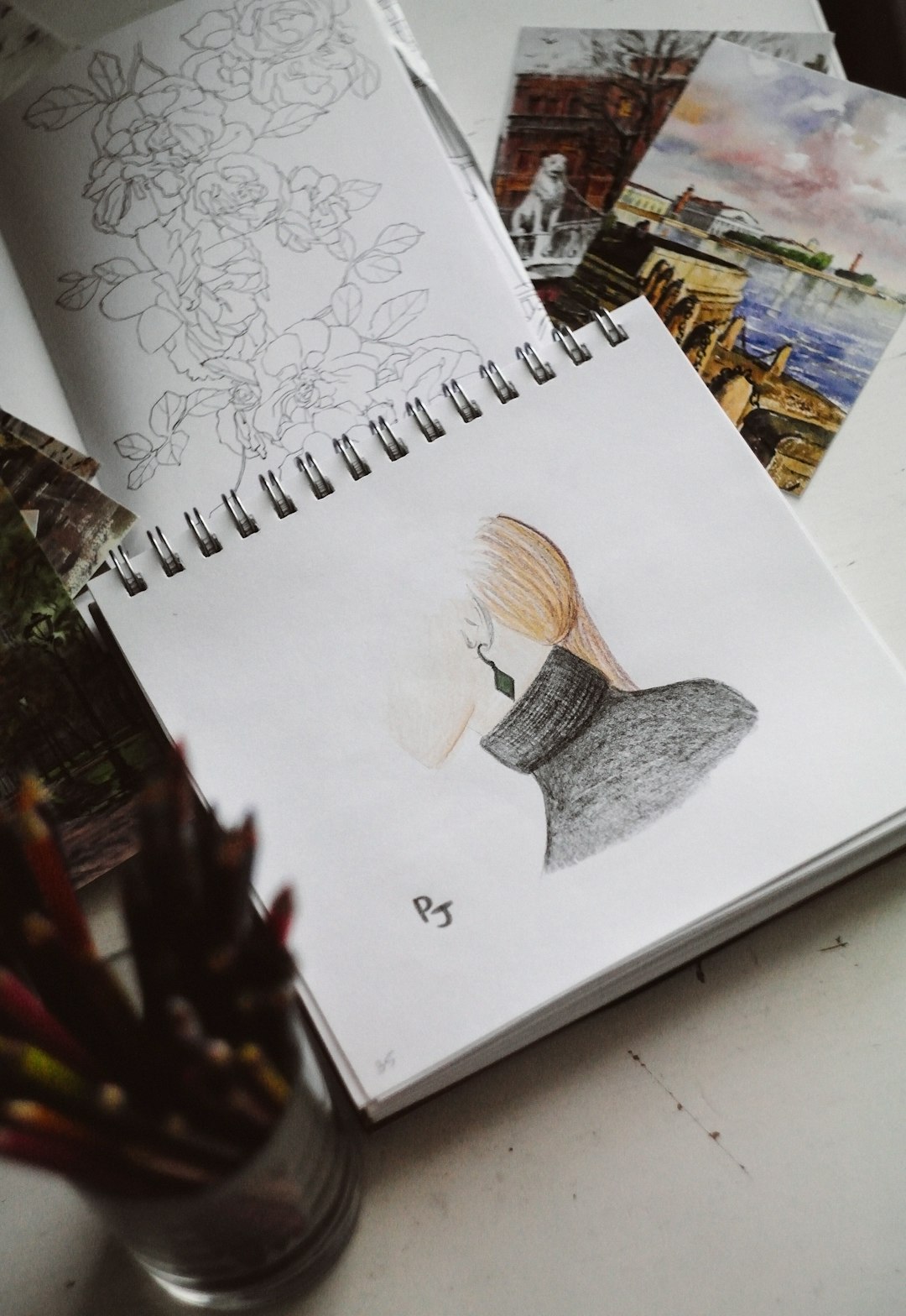
Krita shines when artistry and photo manipulation intersect. Rather than purely correcting images, freelancers use it to transform visuals into immersive works of art.
Why Freelancers Choose Alternative Tools
Freelance designers often prioritize:
- Cost efficiency: One-time purchases or free open-source tools reduce overhead.
- Specialized capabilities: Certain programs excel in color grading, AI enhancement, or illustration.
- Creative independence: Alternative tools foster experimentation outside mainstream ecosystems.
- Workflow agility: Cloud-based and lightweight software supports remote work.
By mixing several tools within one project, designers achieve layered and customized outcomes. For example, they may start with RAW processing in Darktable, enhance color depth in Capture One, and finalize artistic overlays in Krita. This hybrid approach produces distinctive final images that set freelancers apart in competitive markets.
Creative Differentiation in a Competitive Market
The freelance design market is highly competitive. Clients expect originality and visual storytelling that resonates with target audiences. By stepping away from standardized workflows, designers build recognizable aesthetics.
Alternative editing tools encourage experimentation because they often introduce new methodologies. Whether through AI-driven automation or modular open-source adjustments, these platforms reshape how designers interpret light, color, and texture.
Ultimately, the combination of technical versatility and artistic courage defines successful freelance creatives. Tools are simply vehicles — but choosing unconventional ones often sparks innovation.
FAQ
1. Why do freelance designers use alternative photo editing tools instead of mainstream software?
Freelancers often seek cost-effective, specialized, or more flexible tools. Alternative platforms may offer unique features, one-time purchase pricing, or creative workflows that differ from subscription-based industry standards.
2. Are alternative photo editing tools professional enough for client work?
Yes. Many alternative tools provide advanced features such as RAW processing, layer-based editing, precision masking, and AI enhancements. Skilled designers can produce fully professional results using these platforms.
3. Can designers combine multiple editing tools in a single project?
Absolutely. Many freelancers use different tools for specific strengths — such as color grading in Capture One, illustration elements in Krita, and quick cloud edits in Pixlr or Photopea.
4. Are free tools like Darktable or Krita reliable?
Open-source tools can be highly reliable and frequently updated by active communities. Many professional designers successfully use them for high-quality commercial projects.
5. Do clients care which software is used?
Most clients focus on the final result rather than the tool itself. As long as the deliverables meet professional standards and brand requirements, the specific editing software is typically irrelevant.
6. Which tool is best for beginners starting freelance design?
That depends on the designer’s goals. Affinity Photo offers a comprehensive feature set at a low cost, while cloud-based tools like Pixlr or Photopea are accessible and easy to start with.
By embracing alternative photo editing tools, freelance designers expand their creative horizons and strengthen their professional versatility. Innovation often begins with experimentation, and the right combination of software can transform ordinary images into unforgettable visual experiences.