
Apps are everywhere. On phones. On tablets. On desktops. But building an app is only half the job. The real magic happens when you understand how people actually use it. That is where app heatmap analytics platforms come in. They show you what users tap, scroll, ignore, and love. And they do it in bright, colorful, easy-to-read visuals.
TLDR: App heatmap analytics platforms help you see how users interact with your app. They show taps, scrolls, swipes, and ignored areas using color overlays. This makes it easier to improve design, boost engagement, and fix problems fast. If you want happier users and better results, heatmaps are your secret weapon.
What Is a Heatmap?
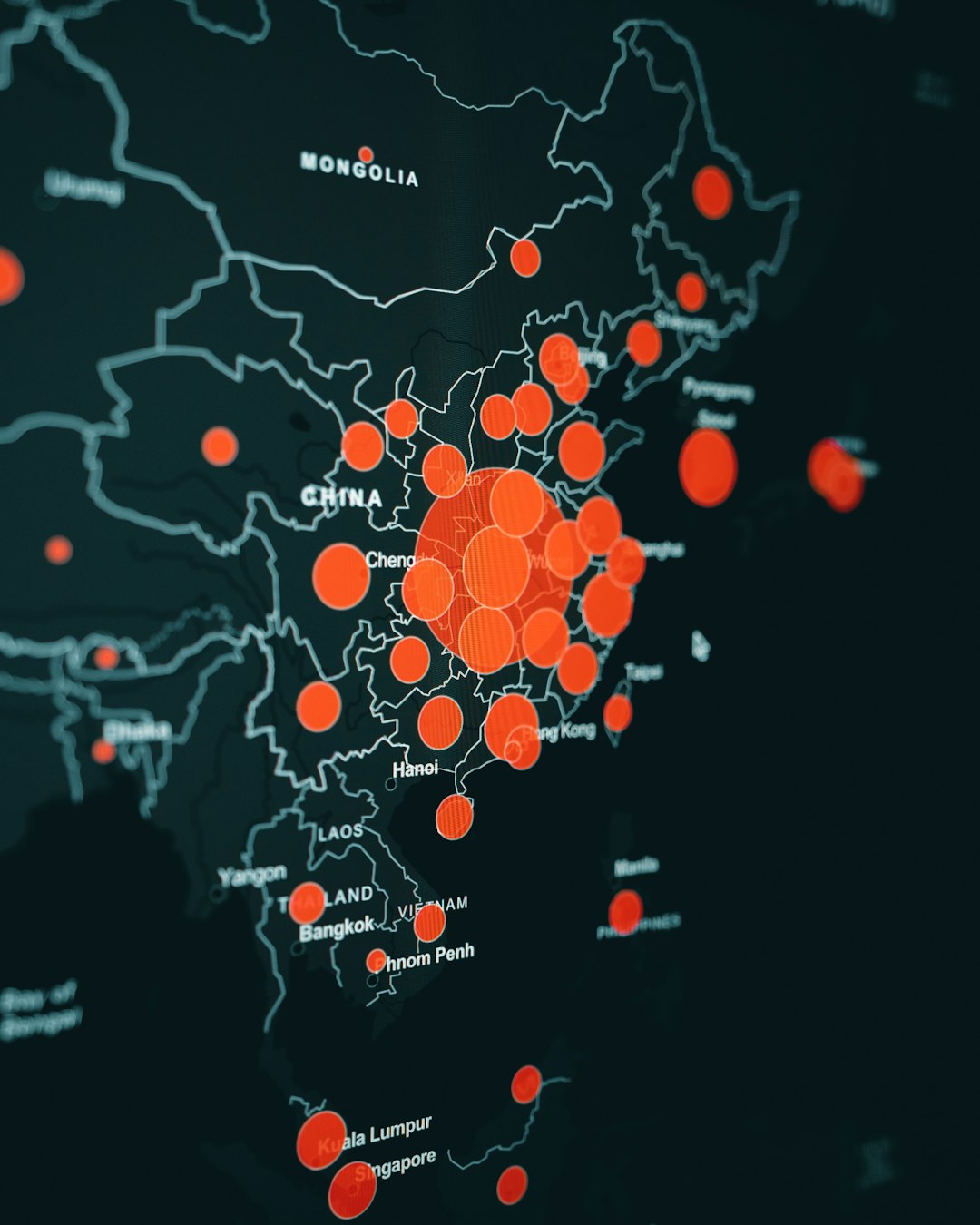
A heatmap is a visual representation of data. It uses color to show activity levels. Warm colors like red and orange show high activity. Cool colors like blue and green show low activity.
In apps, heatmaps answer simple but powerful questions:
- Where are users tapping?
- How far are they scrolling?
- What do they ignore?
- Where do they get stuck?
Instead of reading boring spreadsheets, you see behavior at a glance. It feels almost like mind reading.
Why Heatmaps Matter
You might think you know how users behave. But users often surprise you.
For example:
- They might ignore your big shiny button.
- They might tap something that is not even clickable.
- They might stop scrolling before seeing your best content.
Heatmaps show the truth. No guessing. No assumptions.
Data beats opinions. Always.
Types of App Heatmaps
Not all heatmaps are the same. Different types show different behaviors. Let’s break them down.
1. Tap Heatmaps
These show where users tap or click. They are perfect for mobile apps.
You can quickly see:
- Popular buttons
- Dead zones
- Rage taps (rapid repeated taps)
If users keep tapping something that does nothing, you have a problem. A tap heatmap makes that obvious.
2. Scroll Heatmaps
Scroll heatmaps show how far users scroll down a screen.
This helps you answer:
- Do users see my call to action?
- Is my content too long?
- Where do people lose interest?
If only 20% of users reach the bottom, maybe your key message should move up.
3. Swipe Heatmaps
For apps with carousels or galleries, swipe heatmaps are gold.
They show:
- Swipe direction
- Swipe frequency
- Abandoned swipes
This is great for e-commerce and media apps.
4. Attention Heatmaps
These combine different data points. They estimate where users focus most.
They help improve:
- Layout design
- Ad placement
- Important announcements
How Heatmap Platforms Work
The process is simpler than it sounds.
- You install a small tracking SDK in your app.
- Users interact with your app as usual.
- The platform collects anonymous interaction data.
- The system turns data into colorful maps.
That’s it. No complicated setup.
Most platforms also offer dashboards. You can filter by:
- Device type
- User location
- App version
- New vs returning users
This helps you zoom in on specific problems.
Benefits of Using App Heatmap Analytics
1. Improve User Experience
Good UX feels invisible. Bad UX feels frustrating.
Heatmaps highlight friction. Maybe a button is too small. Maybe users miss key navigation elements. Now you can fix them.
2. Increase Conversions
Want more signups? More purchases? More subscriptions?
Look at your conversion screen heatmap.
Are users dropping off? Are they confused? Are they tapping the wrong area?
Small layout changes can create big results.
3. Reduce Guesswork
Design debates can go on forever.
“I think this looks better.”
“I prefer the other layout.”
Heatmaps end arguments. The user decides.
4. Spot Bugs Faster
Sometimes users tap repeatedly because something is not working.
These are called rage taps. And they are easy to spot on a heatmap.
This helps your team fix issues before negative reviews appear.
Key Features to Look For in a Heatmap Platform
Not all tools are equal. Here are important features to consider:
- Real-time data – Faster insights.
- User session recordings – Watch real interactions.
- Segmentation tools – Analyze specific audiences.
- Privacy compliance – GDPR and data protection support.
- Easy integration – Quick SDK setup.
- Custom event tracking – Track specific goals.
You want a tool that feels powerful but simple.
Heatmaps + Session Replays = Superpower
Heatmaps show patterns. Session replays show stories.
When combined, they are unstoppable.
For example:
- Heatmap shows low engagement on a signup form.
- Session replay shows users confused by password rules.
Now you know exactly what to fix.
Common Mistakes to Avoid
1. Looking at Small Data Sets
Ten users are not enough. Wait for meaningful data.
2. Ignoring Context
High taps are not always good. Users might be confused.
3. Tracking Everything
Too much data can overwhelm you. Focus on key screens first.
4. Forgetting Privacy
Always anonymize data. Respect user privacy. Build trust.
Industries That Benefit Most
Almost every industry can use heatmap analytics. But some benefit even more.
- E-commerce: Optimize product pages and checkout flows.
- Gaming: Improve engagement and level navigation.
- Fintech: Simplify complex financial dashboards.
- Health apps: Make tracking features easier to use.
- Social media: Boost interaction and content discovery.
If users interact with your app, heatmaps help.

How to Get Started
Starting is easier than you think.
- Define your goal. More sales? Better retention?
- Choose a heatmap platform.
- Integrate the SDK.
- Collect data for at least one to two weeks.
- Analyze and make small improvements.
- Test again.
Improvement is a cycle. Not a one-time event.
Heatmaps and A/B Testing
Heatmaps are even stronger when combined with A/B testing.
Example:
- Version A has a blue button.
- Version B has a green button.
Heatmap shows users interact more with one version. Now you have clear proof.
This removes emotion from design decisions.
The Psychology Behind Heatmaps
Humans are visual creatures. We process visuals faster than text.
Heatmaps tap into this strength.
Instead of reading charts, you see “hot” and “cold” zones instantly.
It feels intuitive. Even non-technical team members understand it.
This makes collaboration easier between:
- Designers
- Developers
- Marketers
- Product managers
Are Heatmap Platforms Expensive?
Costs vary.
Some platforms offer free plans with limits. Others scale pricing based on:
- Monthly active users
- Number of tracked sessions
- Advanced features
For most growing apps, the return on investment is clear.
If a small UI fix increases conversions by 5%, the tool quickly pays for itself.
The Future of App Heatmap Analytics
The future looks smart. Very smart.
Modern platforms are adding:
- AI-powered insights
- Predictive behavior analysis
- Automatic friction detection
Instead of just showing data, tools will suggest improvements.
Imagine getting a notification saying:
“Users are struggling with this screen. Consider simplifying this section.”
That future is already beginning.
Final Thoughts
Building an app without analytics is like driving with your eyes closed.
You might move forward. But you will hit obstacles.
App heatmap analytics platforms open your eyes. They show real behavior. Real problems. Real opportunities.
They help you design smarter. Fix issues faster. And grow confidently.
Most importantly, they remind you of one simple truth:
Your users decide what works.
And heatmaps let you see exactly what they are telling you.