
We live on our screens. Phones. Tablets. Laptops. Even watches. They buzz. They ping. They glow late into the night. Sometimes we pick them up for a quick check. Then an hour disappears. That is where app usage tracking software steps in. It helps you see where your time really goes.
TL;DR: App usage tracking software shows how much time you spend on your devices and apps. It helps you build healthier digital habits. You can set limits, track patterns, and even monitor your kids or employees. It is simple to use and can make a big difference in how you spend your day.
What Is App Usage Tracking Software?
App usage tracking software is a tool. It records how long you use apps and devices. It turns your screen time into clear data. Easy charts. Simple numbers. Quick insights.
Instead of guessing, you know. You see that you spent 2 hours on social media. Or 45 minutes on email. Or 3 hours watching videos.
Awareness is powerful. When you see the truth, you can change it.
Why Screen Time Matters
Screens are not bad. They help us work. Learn. Relax. Connect. But too much screen time can create problems.
- Sleep issues. Bright screens before bed can harm sleep.
- Lower focus. Constant notifications break concentration.
- Eye strain. Long sessions can hurt your eyes.
- Less movement. Sitting too long affects health.
- Weaker real world connection. Digital time can replace face to face moments.
Tracking software does not remove tech from your life. It helps you balance it.
How It Works
Most app usage trackers are simple to install. You download an app. Or use built in settings. Then the software starts logging activity.
It tracks:
- Total screen time per day
- Time spent on each app
- Number of device pickups
- Notifications received
- Usage by hour or day
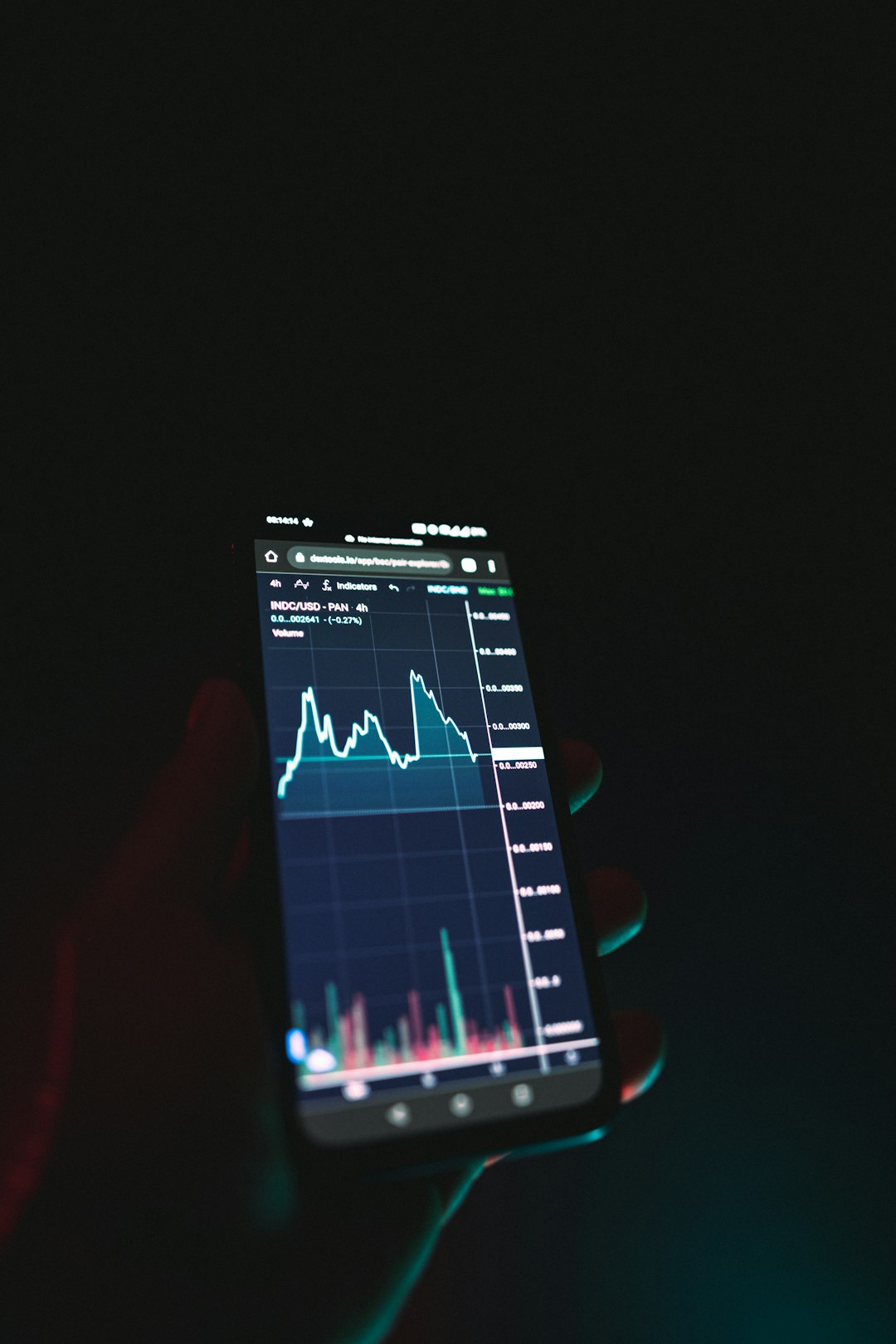
All of this becomes visual reports. Think pie charts. Bar graphs. Weekly summaries.
Some tools even send alerts. For example, when you spend more than 1 hour on a specific app.
Features to Look For
Not all tracking software is the same. Some are basic. Others are advanced. Here are features that matter:
1. Real Time Tracking
You should see your usage as it happens. This keeps you aware during the day.
2. App Limits
Set daily time limits. When time is up, the app locks or warns you.
3. Scheduling
Block apps during work hours. Or at night. Or during study time.
4. Reports and Insights
Look for weekly and monthly reports. Patterns are easier to spot over time.
5. Cross Device Tracking
Many people use more than one device. Good software syncs across them.
6. Parental Controls
If you are monitoring a child’s usage, you need stronger tools. Content filters. Remote controls. Alerts.
App Usage Tracking for Parents
Kids love screens. Games. Videos. Social apps. It is part of modern childhood. But children need guidance.
App usage tracking software helps parents:
- See how long kids spend on devices
- Block inappropriate apps
- Set homework time restrictions
- Turn off devices at bedtime
- Monitor social media use
This is not about control. It is about safety. And balance.
The best approach is open communication. Explain why limits exist. Show them the data. Make it a team effort.

App Usage Tracking for Professionals
Adults struggle too. Work apps blend into personal life. Slack messages at night. Endless scrolling between tasks.
Tracking software can boost productivity. Here is how:
- Identify time wasting apps
- Reduce distractions during work hours
- Measure deep work sessions
- Set focused time blocks
Some companies use tracking tools to monitor employee devices. This must be handled carefully. Transparency is key. Employees should know what is tracked. And why.
The Psychology Behind Screen Tracking
Why does tracking work?
Because humans respond to measurement.
When you track calories, you eat more mindfully. When you track steps, you walk more. The same applies to screens.
There is something powerful about numbers. Seeing “4 hours on social media” can be shocking. That emotional response drives change.
Many apps also use small rewards. Streaks for staying under limits. Green checkmarks for balanced days. These nudge better behavior.
Built In vs Third Party Tools
Most modern smartphones come with built in tracking features. They are easy to access. And usually free.
Third party apps, however, may offer:
- More detailed reports
- Better parental controls
- Advanced blocking options
- Cross platform tracking
- Team or business features
Your choice depends on your goal. Casual awareness? Built in tools may be enough. Deep control and insight? A specialized app might be better.
Privacy and Security
Tracking software handles sensitive data. It knows what apps you use. When you use them. Sometimes even where you are.
This means privacy matters.
Before installing any software:
- Read the privacy policy
- Check data encryption standards
- See if data is shared with third parties
- Look at user reviews
Choose trusted providers. Especially when monitoring children.
Tips for Reducing Screen Time
Tracking is step one. Action is step two. Here are simple ways to reduce screen time:
- Create screen free zones. No phones at the dinner table.
- Set a digital curfew. Turn devices off 1 hour before bed.
- Turn off non essential notifications.
- Move distracting apps off your home screen.
- Replace scrolling with a hobby. Reading. Walking. Drawing.
Start small. Even 30 minutes less per day makes a difference.
Signs You May Need Screen Monitoring
Wondering if you need app usage tracking software? Look for these signs:
- You check your phone first thing in the morning.
- You lose track of time while scrolling.
- You feel anxious without your device.
- Your sleep is getting worse.
- You struggle to focus on offline tasks.
If two or more sound familiar, tracking could help.
Benefits Over Time
The real magic happens over weeks and months.
You begin to notice patterns. Maybe Mondays are heavy screen days. Maybe late evenings are your weak spot.
With awareness comes control.
Long term benefits include:
- Better sleep quality
- Increased productivity
- Improved mood
- More free time
- Stronger relationships
You start choosing how you spend your time. Instead of reacting to every ping.
Common Myths
Myth 1: It Is Only for Kids
False. Adults waste massive time on screens too.
Myth 2: It Is Too Complicated
Modern apps are simple. Clean design. Easy setup.
Myth 3: It Feels Controlling
You control the tool. It does not control you.
Myth 4: It Is Not Accurate
Most reputable apps provide very precise tracking based on system data.
Making It a Habit
Download the app. Set limits. Then forget about it.
Check reports once a week. Adjust as needed. Keep goals realistic.
Do not aim for zero screen time. That is unrealistic. Aim for healthy balance.
Celebrate progress. Even small wins count.
The Future of Screen Monitoring
Technology keeps growing. So will tracking tools.
Expect smarter insights. AI based suggestions. Personalized wellness tips. Integration with fitness trackers.
In the future, your phone might say:
“You seem stressed. You have been online for 3 hours. Time for a short walk?”
That is not control. That is support.
Final Thoughts
Time is limited. Every day gives you 24 hours. Screens can take a big piece of that pie.
App usage tracking software gives you clarity. It shines a light on hidden habits. It helps you take back control.
You do not need to quit technology. You just need to manage it wisely.
Start by measuring. Then adjust. Then improve.
Small changes add up. And your future self will thank you for it.