
Vector image formats matter because they define how artwork scales, prints, edits, and moves between software. Unlike raster files, which store pixels, vector files store mathematical paths, curves, colors, and text instructions. This makes them ideal for logos, icons, typography, signage, technical drawings, and illustrations that must remain sharp at many sizes.
TLDR: Vector formats should be chosen based on the final use: SVG is often best for websites, PDF for print delivery, and DXF for CAD or cutting machines. In a typical branding workflow, a designer might prepare 3 core outputs: an SVG for the website, a PDF for the printer, and an EPS for partners using older design software. A small packaging team handling 200 product labels may reduce file conversion issues by 30% or more when it standardizes which vector format is used for each production stage.

20 Common Vector Image Formats and When to Use Each
-
SVG (Scalable Vector Graphics)
SVG is one of the most widely used vector formats for the web. It is lightweight, editable in code, scalable, and supported by modern browsers. It is best used for website icons, logos, interface graphics, simple illustrations, and responsive graphics that need to look sharp on mobile and desktop screens. -
SVGZ
SVGZ is a compressed version of SVG. It is useful when a site needs the same scalability as SVG but with smaller file sizes. It is especially helpful for web projects that include many icons or detailed line illustrations, although server and browser compatibility should be checked. -
EPS (Encapsulated PostScript)
EPS is a long-standing professional graphics format. Print shops, sign makers, and embroidery vendors often accept it because it preserves scalable artwork well. It is best for logos, print graphics, and vendor handoffs, especially when compatibility with older workflows is important. -
PDF (Portable Document Format)
PDF can contain vector paths, fonts, images, and print settings in one package. It is ideal for final print delivery, brochures, business cards, posters, packaging proofs, and documents that need to look consistent across devices. A print-ready PDF is often the safest file to send to a commercial printer. -
AI (Adobe Illustrator)
AI is a native editing format used heavily in professional design environments. It is best when artwork needs to remain fully editable, with layers, artboards, effects, and typography preserved. Designers often keep AI as the master file, then export SVG, PDF, or EPS for delivery. -
CDR (CorelDRAW)
CDR is the native vector format for CorelDRAW. It is common in sign making, apparel decoration, engraving, and print production. It should be used when the production team works directly in CorelDRAW or when files need to preserve Corel-specific effects and layouts. -
ODG (OpenDocument Graphics)
ODG is an open vector drawing format used by office and open-source design applications. It is suitable for diagrams, flowcharts, basic illustrations, and internal business graphics. It works well when a team prefers open document standards rather than proprietary software formats. -
WMF (Windows Metafile)
WMF is an older Microsoft vector format. It is mainly useful for legacy clip art, older office documents, or Windows-based workflows that still depend on it. It is not ideal for modern web or high-end print work, but it may be necessary when updating archived materials. -
EMF (Enhanced Metafile)
EMF is a more advanced successor to WMF and is commonly used in Microsoft Office environments. It is useful for charts, diagrams, and scalable graphics in Word, PowerPoint, and other Windows applications. It is a practical choice for corporate presentations that need crisp visuals. -
DXF (Drawing Exchange Format)
DXF is widely used in CAD, manufacturing, laser cutting, CNC routing, and architectural workflows. It stores precise geometry rather than decorative design features. It is best when artwork needs to become a physical object, such as a sign panel, metal part, stencil, or engraved shape. -
DWG
DWG is a major CAD format used for technical drawings, architecture, engineering, and construction plans. It is preferred when high precision, layered drafting data, and professional CAD editing are required. It is less suitable for marketing graphics but essential for technical production. -
CGM (Computer Graphics Metafile)
CGM is used in technical documentation, aerospace, defense, engineering, and complex manuals. It is valuable when illustrations must follow strict industry standards. It is commonly used for diagrams, maintenance instructions, and schematic visuals rather than brand artwork. -
HPGL or PLT
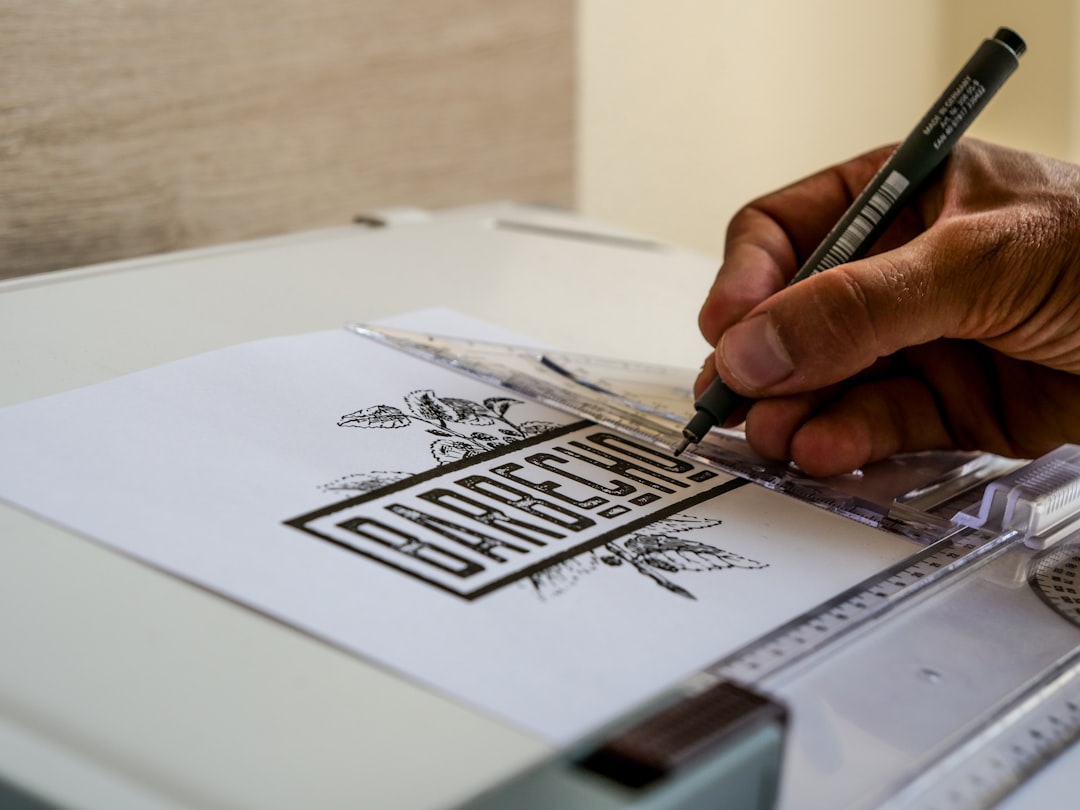
HPGL and PLT files are associated with plotters, cutters, and engraving machines. They are used when vector paths must guide a machine’s movement. Sign shops, vinyl cutters, and industrial marking systems may use these formats for clean, path-based production.
-
PS (PostScript)
PostScript is a page description language that helped shape professional printing. It can describe vector graphics, text, and page layout instructions. It is now less common as a final delivery format than PDF, but it remains important in some print and prepress environments. -
XPS (XML Paper Specification)
XPS is Microsoft’s fixed-layout document format. It can preserve vector elements and page appearance in a way similar to PDF. It is most useful in Windows-based document workflows where layout consistency is required, though it has less universal adoption than PDF. -
VML (Vector Markup Language)
VML is a legacy web vector format once used by older Microsoft browsers and office exports. It is rarely chosen for new projects. Its main use today is maintaining or converting old documents, templates, or web assets that still contain VML elements. -
SWF (Small Web Format)
SWF was once common for web animation and interactive vector graphics. Since browser support has largely ended, it should not be used for modern websites. It may still appear in archive projects, old educational content, or legacy animations that need conversion to HTML5, SVG, or video. -
SKETCH
SKETCH is a design file format used for interface design, app mockups, icons, and design systems. It is best used when a design team works in Sketch and needs editable components, symbols, and layouts. It is usually exported to SVG, PDF, or PNG for final implementation. -
AFDESIGN
AFDESIGN is the native format for Affinity Designer. It supports vector illustration, layout elements, artboards, and editable effects. It is useful for illustrators and designers who work in Affinity products and need a flexible master file before exporting final artwork. -
FIG
FIG files are associated with Figma design files. They are valuable for collaborative interface design, design systems, prototypes, and web or app layouts. Teams use them when multiple stakeholders need to review or edit vector-based interface elements in a shared design environment.
How the Right Format Is Usually Chosen
The best vector format depends on the destination. For web graphics, SVG is usually preferred because it is scalable, searchable, and styleable. For professional printing, PDF and EPS remain dependable because they preserve layout and production data. For editing, native formats such as AI, CDR, SKETCH, AFDESIGN, and FIG are often better because they retain layers, effects, and reusable components.
Technical and manufacturing work has different needs. A decorative logo file may look perfect as an SVG, but a laser cutter may require DXF, DWG, or PLT because the machine needs clean paths and measurements. In that context, accuracy matters more than visual effects.

FAQ
What is the most common vector format?
SVG is one of the most common vector formats for digital use, while PDF is among the most common for print and document delivery.
Which vector format is best for logos?
A logo is often kept in an editable master format such as AI, CDR, or AFDESIGN, then exported as SVG for websites, PDF for printing, and EPS for vendor compatibility.
Is PDF always a vector format?
No. A PDF can contain vector graphics, raster images, or both. A scanned document saved as PDF may be entirely raster, while a print-ready logo PDF may contain clean vector paths.
Which vector format should be used for cutting machines?
DXF, DWG, and PLT are commonly used for cutting, plotting, engraving, and CNC workflows because they store precise path information.
Are old formats like WMF, VML, and SWF still useful?
They are mostly useful for legacy support, archive conversion, or older documents. For new projects, modern formats such as SVG, PDF, and native design files are usually better choices.