
Screen recording software has become an essential tool for educators, marketers, corporate trainers, and content creators who need to communicate clearly in a digital-first world. Whether you are producing software tutorials, online courses, product demonstrations, or internal training materials, the right solution can dramatically improve both production quality and viewer engagement. Professional-grade platforms like Camtasia have set the standard by combining screen capture, video editing, and audio enhancement into one streamlined workflow.
TLDR: Professional screen recording software like Camtasia enables you to capture high-quality video, edit with precision, and produce polished content without needing advanced filmmaking skills. These tools integrate screen capture, audio recording, visual effects, and export optimization into a single workflow. Several reliable alternatives also offer competitive features depending on budget and experience level. Choosing the right platform depends on your goals, technical requirements, and long-term content strategy.
Why Professional Screen Recording Matters
Basic screen capture tools might be sufficient for quick demonstrations, but professional communication requires more than a raw recording. Audiences expect clarity, clean audio, smooth transitions, and well-structured visuals. In business and educational settings, production quality directly influences credibility.
Professional screen recording software provides:
- High-resolution capture with customizable frame rates
- Multi-track editing for audio, video, and visual assets
- Built-in effects and transitions for smoother storytelling
- Annotation tools to highlight key points
- Export optimization for platforms like YouTube, LMS systems, and internal portals
These capabilities transform simple demonstrations into structured, visually consistent videos that align with professional standards.
Image not found in postmetaCore Features to Look For
When evaluating software similar to Camtasia, focus on functionality that supports long-term content creation rather than short-term convenience.
1. Advanced Screen Capture
Look for tools that offer flexible recording regions, full-screen and window capture, webcam overlay, and system audio recording. The ability to record multiple sources simultaneously is especially important for tutorials and webinars.
2. Integrated Video Editing
A built-in non-linear editor eliminates the need to export footage to another tool. Multi-track timelines allow layering of:
- Screen recordings
- Webcam footage
- Voiceovers
- Music tracks
- Titles and graphics
3. Audio Enhancement Tools
Clear audio is often more important than perfect visuals. Noise reduction, compression, and leveling tools help maintain consistent sound quality.
4. Visual Effects and Branding
Transitions, cursor effects, callouts, lower thirds, and branded templates elevate your content. Businesses benefit from customizable themes that maintain consistent fonts, colors, and logo placement.
5. Export Flexibility
Professional creators require multiple export formats and resolution options. Fast rendering and direct publishing integrations can save considerable time.
Leading Screen Recording Software Like Camtasia
While Camtasia remains a benchmark solution, several alternatives provide comparable professional features. Below is a curated selection of trusted platforms.
1. Camtasia
Camtasia is widely regarded as an all-in-one solution for screen recording and video editing. It is particularly strong in educational and corporate environments.
Key strengths:
- User-friendly interface
- Extensive asset library
- Interactive video features
- Reliable performance and updates
2. Adobe Captivate
Designed primarily for eLearning professionals, Adobe Captivate focuses on interactive content creation. While more complex than Camtasia, it offers advanced simulation capabilities.
Key strengths:
- Advanced interactive modules
- Software simulation tools
- Responsive learning design
3. OBS Studio with Editing Software
OBS Studio is a powerful open-source screen recording and streaming solution. While it lacks built-in editing comparable to Camtasia, it integrates well with professional video editors.
Key strengths:
- Free and open-source
- Highly customizable
- Excellent for live streaming
4. Movavi Screen Recorder
Movavi offers a more simplified approach but includes solid editing functionality. It is a strong mid-tier option for business users.
Key strengths:
- Affordable pricing
- Intuitive interface
- Fast export times
5. ScreenFlow (Mac)
Exclusive to macOS, ScreenFlow provides professional-grade editing tools combined with stable screen capture capabilities.
Key strengths:
- High-quality Retina capture
- Rich editing suite
- Smooth performance on Mac systems
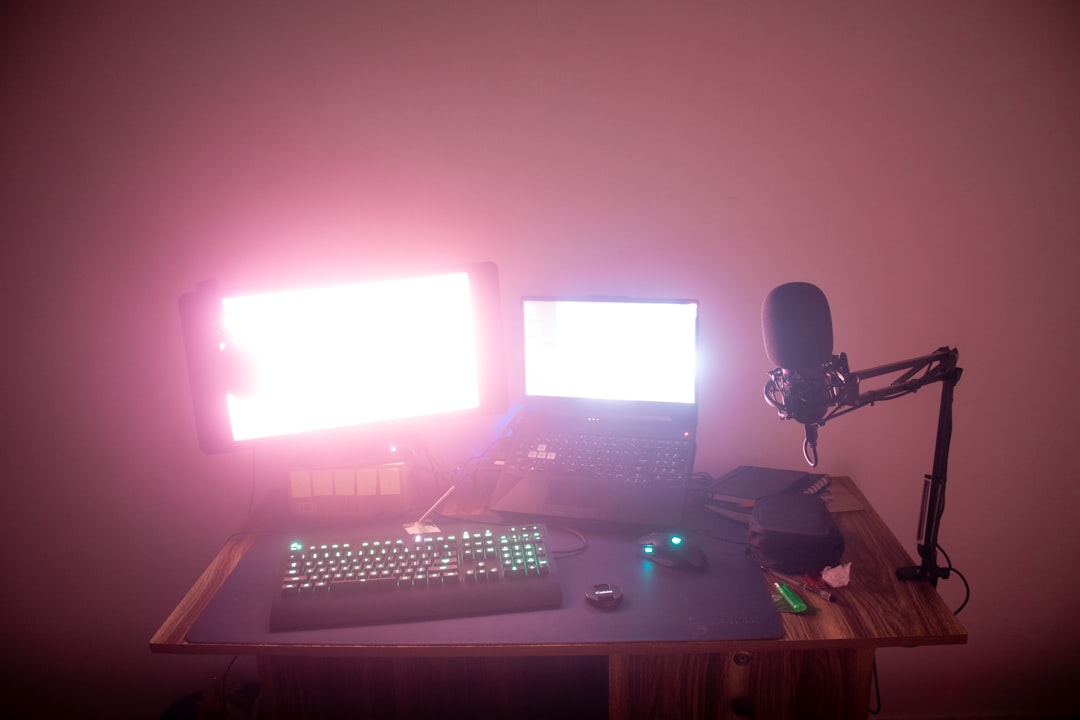
Comparison Chart
| Software | Best For | Built-in Editor | Ease of Use | Operating System | Pricing Model |
|---|---|---|---|---|---|
| Camtasia | Training and business videos | Advanced | High | Windows, Mac | One-time purchase |
| Adobe Captivate | eLearning development | Advanced | Moderate | Windows, Mac | Subscription |
| OBS Studio | Streaming and custom setups | None | Moderate | Windows, Mac, Linux | Free |
| Movavi | Small business use | Intermediate | High | Windows, Mac | Subscription or license |
| ScreenFlow | Mac-based creators | Advanced | High | Mac only | One-time purchase |
How to Choose the Right Solution
Selecting the right tool requires thoughtful evaluation of your objectives and resources.
Consider Your Audience
Are you creating internal training for employees, structured eLearning modules, or public-facing YouTube tutorials? The level of polish required may differ.
Evaluate Your Technical Skills
Some platforms prioritize power over simplicity. If your team lacks video editing experience, prioritize intuitive interfaces and built-in templates.
Assess Your Budget
While free options provide flexibility, dedicated professional software can deliver superior workflow efficiency. A one-time investment may reduce long-term production costs.
Plan for Scalability
If you anticipate producing consistent video content over time, select a solution that supports asset libraries, brand templates, and batch exports.
Best Practices for Creating Professional Screen Recordings
Software alone does not guarantee results. Adhering to industry best practices ensures professional outcomes.
- Script your content: Outlines or full scripts reduce mistakes and editing time.
- Use a high-quality microphone: Audio clarity enhances perceived video quality.
- Record at 1080p or higher: Maintain modern visual standards.
- Keep the interface clean: Disable unnecessary notifications and desktop clutter.
- Add structured visuals: Incorporate callouts, zoom effects, and highlights strategically.
- Maintain pacing: Remove unnecessary pauses and repetitive content.
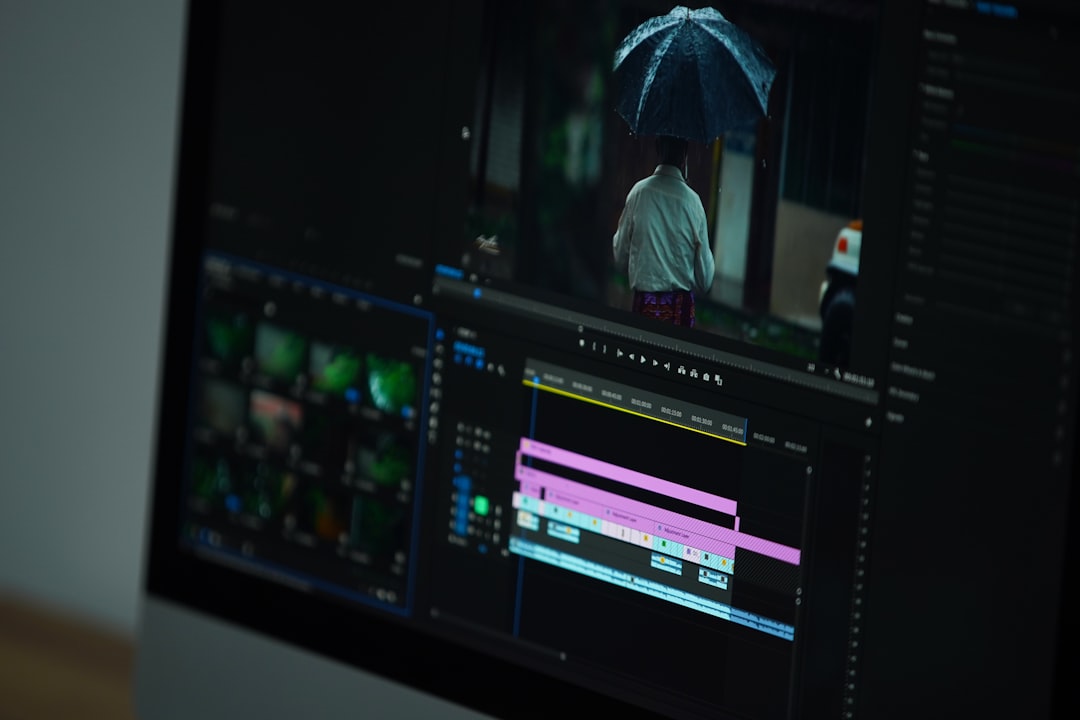
The Strategic Value of Professional Video Content
In corporate environments, professional video communication reduces support requests, improves onboarding efficiency, and standardizes messaging. In marketing, well-produced tutorials increase brand authority and user trust. For educators, structured course videos enhance learner retention.
Screen recording software like Camtasia provides a bridge between technical explanation and accessible storytelling. Instead of distributing static PDFs or lengthy documentation, organizations can offer dynamic visual guidance.
Long-term advantages include:
- Improved user comprehension
- Reduced training costs
- Consistent messaging
- Increased audience engagement
- Stronger professional reputation
Final Thoughts
Professional screen recording software has evolved into a comprehensive content production environment. Platforms like Camtasia combine capture, editing, audio refinement, and branding into an accessible yet powerful system. For users who require alternative solutions, tools such as Adobe Captivate, OBS Studio, Movavi, and ScreenFlow offer strong capabilities tailored to specific needs.
The most effective choice ultimately depends on your objectives, resources, and technical comfort level. What remains constant is the importance of quality. In competitive digital environments, polished video content is no longer optional—it is a strategic asset. Investing in reliable screen recording software is an investment in clarity, credibility, and long-term impact.