
In today’s fast-moving digital workplace, teams are no longer confined to a single office—or even a single time zone. As collaboration becomes increasingly virtual, the tools we use to communicate ideas matter more than ever. Mind mapping apps like Miro have emerged as powerful platforms for brainstorming, planning, and aligning teams visually. These tools transform scattered thoughts into structured strategies, helping teams innovate faster and execute more effectively.
TLDR: Mind mapping apps such as Miro improve team collaboration by offering visual, real-time brainstorming and planning spaces. They centralize ideas, simplify complex workflows, and allow distributed teams to collaborate seamlessly. Many alternatives provide unique strengths, from deep integrations to advanced diagramming features. Choosing the right tool depends on your team’s size, workflow complexity, and collaboration style.
Whether you’re planning a product launch, mapping customer journeys, or organizing a strategic roadmap, mind mapping platforms bring clarity to complexity. Below, we explore how these tools enhance teamwork, highlight leading apps like Miro, and compare their features to help you make an informed decision.
Why Mind Mapping Works for Teams
Mind mapping is not just about drawing bubbles connected by lines. It’s a structured method of visual thinking that mirrors how the brain processes information. By visually organizing ideas around a central concept, teams can quickly identify relationships, uncover gaps, and prioritize actions.
The benefits for collaboration are substantial:
- Improved clarity: Complex ideas become visually digestible.
- Real-time collaboration: Teams brainstorm simultaneously.
- Enhanced creativity: Visual layouts spark new connections.
- Better alignment: Everyone sees the same “big picture.”
- Centralized planning: Documents, links, and tasks live in one shared space.
Unlike static documents or endless message threads, visual workspaces provide immediacy and context. They encourage engagement and reduce misunderstandings—two critical factors in modern teamwork.
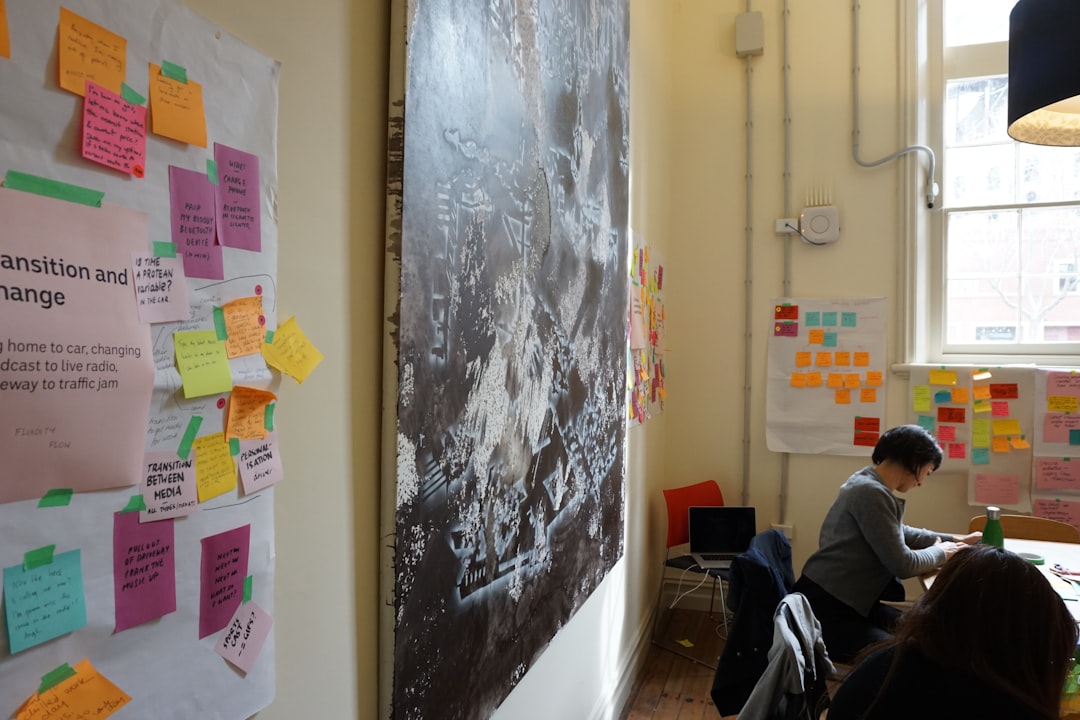
Top Mind Mapping Apps Like Miro
Miro is often the first name that comes to mind when discussing collaborative whiteboards. However, it’s far from the only solution. Let’s take a closer look at several leading tools that enhance team collaboration and planning.
1. Miro
Best for large teams and enterprise collaboration.
Miro offers a flexible infinite canvas that supports brainstorming, wireframing, agile workflows, retrospectives, and strategic planning. With hundreds of templates and integrations with tools like Slack, Jira, and Microsoft Teams, Miro acts as a collaboration hub.
Key features:
- Infinite whiteboard canvas
- Real-time multi-user editing
- Extensive template library
- Integration with major enterprise tools
- Voting, timers, and presentation mode
Miro excels at bringing distributed teams together for dynamic workshops and planning sessions.
2. Lucidspark
Best for structured ideation with diagramming depth.
Lucidspark combines brainstorming with intelligent diagramming. It integrates seamlessly with Lucidchart, making it ideal for teams that move from ideation to technical diagrams.
Key features:
- Breakout boards for focused collaboration
- Built-in voting and sorting tools
- Workflow visualization tools
- Strong diagramming capabilities
It’s particularly useful for product and engineering teams who need precision alongside creativity.
3. MindMeister
Best for focused mind mapping.
MindMeister is purpose-built for structured mind maps rather than free-form canvases. This makes it ideal for teams who need hierarchical organization and clean layouts.
Key features:
- Intuitive branching structure
- Task management integration
- Presentation mode
- Collaboration in real time
Its simplicity helps teams organize ideas quickly without getting lost in design complexity.
4. Milanote
Best for creative and visual teams.
Milanote emphasizes design thinking. With drag-and-drop simplicity, it allows users to combine images, notes, links, and mind maps in aesthetically pleasing layouts.
Key features:
- Visual mood boards
- Flexible content arrangement
- Creative project planning
- Easy sharing with clients
This makes it perfect for marketing, branding, and content development teams.
5. Whimsical
Best for simple, streamlined collaboration.
Whimsical offers mind maps, flowcharts, and wireframes in a clean, minimal interface. It removes friction, allowing teams to focus purely on ideas.
Key features:
- Lightning-fast performance
- Auto-formatting mind maps
- Shared cursors for collaboration
- Built-in flowcharts and docs
It’s particularly appealing to startups and small teams that prioritize speed.
Comparison Chart
| Tool | Best For | Real-Time Collaboration | Templates | Integrations | Ease of Use |
|---|---|---|---|---|---|
| Miro | Enterprise teams | Yes | Extensive | Strong | Moderate |
| Lucidspark | Product & engineering | Yes | Strong | Strong | Moderate |
| MindMeister | Structured mind maps | Yes | Moderate | Good | Easy |
| Milanote | Creative teams | Yes | Creative-focused | Moderate | Easy |
| Whimsical | Startups & small teams | Yes | Moderate | Good | Very Easy |
How These Tools Improve Planning
Mind mapping apps aren’t just for brainstorming—they’re powerful planning engines. Teams use them to move seamlessly from high-level concepts to actionable roadmaps.
Here’s how:
- Project roadmapping: Visual timelines and dependencies prevent bottlenecks.
- Agile sprint planning: Epics and user stories can be grouped visually.
- Strategic planning: Objectives and key results connect in a single dashboard.
- Meeting facilitation: Interactive sessions keep participants engaged.

Instead of relying on static spreadsheets, teams can dynamically adjust plans in real time. Changes become collaborative decisions rather than isolated edits.
Choosing the Right Tool for Your Team
While most platforms offer similar core functionality, subtle differences matter. Before committing, consider:
1. Team size and scale
Large organizations often require advanced permissions and enterprise-level security. Tools like Miro cater well to this need.
2. Workflow complexity
Engineering-heavy teams might benefit from diagram-centric platforms like Lucidspark, while creatives may prefer Milanote’s flexibility.
3. Integration ecosystem
The ability to sync with communication, task management, and productivity tools streamlines adoption.
4. Learning curve
If speed is critical, a minimalist tool like Whimsical might reduce onboarding friction.
Ultimately, the best app is the one your team will actually use consistently. Testing free versions with a pilot group can reveal which platform aligns best with your collaboration style.
The Future of Visual Collaboration
As hybrid work models continue to grow, visual collaboration is no longer optional—it’s essential. Emerging features such as AI-assisted brainstorming, smart templates, and automated summaries are redefining how teams interact online.
We’re also seeing increased use of:
- Asynchronous collaboration: Teams contribute across time zones.
- Interactive workshops: Virtual sessions rival in-person experiences.
- Data visualization: Live metrics embedded into planning boards.
- AI idea suggestions: Automated prompts to spark creativity.

These innovations push mind mapping beyond simple diagramming. They are evolving into comprehensive collaboration ecosystems that integrate planning, execution, and reflection in one unified environment.
Final Thoughts
Mind mapping apps like Miro have transformed the way teams collaborate and plan. By turning abstract ideas into shared visual experiences, they foster clarity, engagement, and alignment. Whether your team is launching a new product, mapping out quarterly goals, or facilitating workshops across continents, the right tool can dramatically improve outcomes.
The key is not just adopting a platform—but embracing visual collaboration as a mindset. When ideas become visible, they become actionable. And when teams can see the same vision, they can build it together.