
For small business owners, bookkeeping is often one of the most time-consuming and stressful parts of running a company. Between tracking expenses, sending invoices, reconciling bank accounts, and preparing for tax season, financial management can quickly feel overwhelming. Fortunately, modern accounting software has transformed bookkeeping into a streamlined, largely automated process that even non-accountants can handle with confidence.
TLDR: Accounting software simplifies bookkeeping for small businesses by automating invoicing, expense tracking, payroll, and tax reporting. Cloud-based tools provide real-time financial insights, reduce errors, and save significant time compared to manual methods. Popular platforms offer scalable features, integrations, and user-friendly dashboards. Choosing the right solution depends on your business size, budget, and specific financial needs.
Whether you’re a freelancer, storefront owner, or growing startup, the right accounting software can turn chaotic spreadsheets into organized, actionable financial insights. Let’s explore how these tools work, what features matter most, and which platforms stand out today.
Why Small Businesses Need Accounting Software
Manual bookkeeping systems—spreadsheet-based or paper-based—are prone to human error and inefficiency. A missed entry or calculation mistake can lead to tax issues, cash flow confusion, or poor financial decisions. Accounting software addresses these challenges by providing:
- Automation of repetitive tasks like recurring invoices and bill payments
- Real-time financial dashboards for instant visibility into profits and expenses
- Accurate reporting for taxes, compliance, and strategic planning
- Secure cloud storage for financial records
- Multi-user access for accountants, partners, and team members
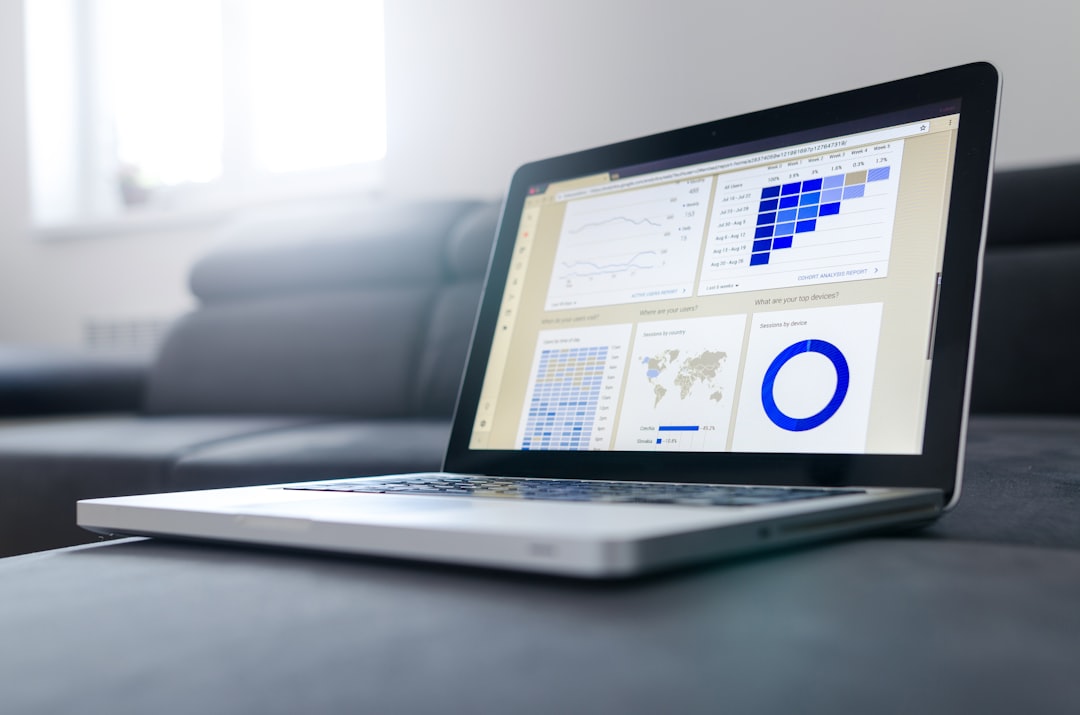
By reducing manual work, accounting software allows entrepreneurs to focus on growth rather than spreadsheets.
Core Features That Simplify Bookkeeping
Not all accounting platforms are created equal, but the best ones share several essential features designed to simplify everyday financial management.
1. Automated Invoicing and Payments
Create professional invoices, set up recurring billing, and send automatic payment reminders. Many tools also allow customers to pay directly online, improving cash flow.
2. Expense Tracking
Connect your bank accounts and credit cards to automatically import and categorize transactions. Some platforms even scan receipts via mobile apps.
3. Bank Reconciliation
Match transactions against your records to ensure your books align with your bank statements. Automation dramatically speeds up this process.
4. Financial Reporting
Generate key reports such as:
- Profit and Loss statements
- Balance sheets
- Cash flow reports
- Tax summaries
5. Payroll Integration
Some platforms include built-in payroll features or integrate with payroll services, ensuring accurate salary calculations and tax withholdings.
6. Tax Preparation Tools
Automatic categorization of income and expenses simplifies year-end tax filing. Many tools export data directly for accountants or tax software.
Top Accounting Software for Small Businesses
If you’re evaluating options, here are five widely used accounting platforms that consistently rank high for small business usability and functionality.
1. QuickBooks Online
One of the most well-known accounting platforms, QuickBooks Online offers robust features for invoicing, expense tracking, reporting, and payroll. It is ideal for businesses planning to scale.
2. Xero
Xero is known for its clean interface and strong reporting capabilities. It supports unlimited users and integrates with hundreds of third-party apps.
3. FreshBooks
Designed especially for freelancers and service-based businesses, FreshBooks excels in invoicing and time tracking.
4. Wave
Wave provides free accounting tools with optional paid add-ons like payroll and payment processing. It’s attractive for startups on tight budgets.
5. Zoho Books
Zoho Books offers automation workflows, client portals, and seamless integration within the broader Zoho ecosystem.
Comparison Chart
| Software | Best For | Key Strength | Pricing Level | Scalability |
|---|---|---|---|---|
| QuickBooks Online | Growing small businesses | Comprehensive features | Mid to High | High |
| Xero | Teams needing collaboration | Unlimited users | Mid | High |
| FreshBooks | Freelancers and service providers | Invoicing simplicity | Mid | Moderate |
| Wave | Startups on a budget | Free core features | Low | Moderate |
| Zoho Books | Automation focused businesses | Custom workflows | Low to Mid | High |
Cloud-Based vs Desktop Accounting Software
Most modern platforms are cloud-based, meaning you can access your books from any device with an internet connection. Cloud accounting offers several advantages:
- Automatic updates without manual installation
- Secure data backups
- Remote collaboration with accountants
- Scalability as your business grows
Desktop software, on the other hand, may offer more control over data storage but lacks the flexibility and ease of integration found in cloud systems.
How Accounting Software Saves Time and Money
One of the biggest advantages of accounting software is time savings. Tasks that once required hours—like reconciling bank statements—can now be completed in minutes.
Here’s how businesses typically save money:
- Reduced need for full-time bookkeeping staff
- Fewer costly errors or tax penalties
- Improved cash flow through faster invoicing
- Better financial decisions based on accurate reporting

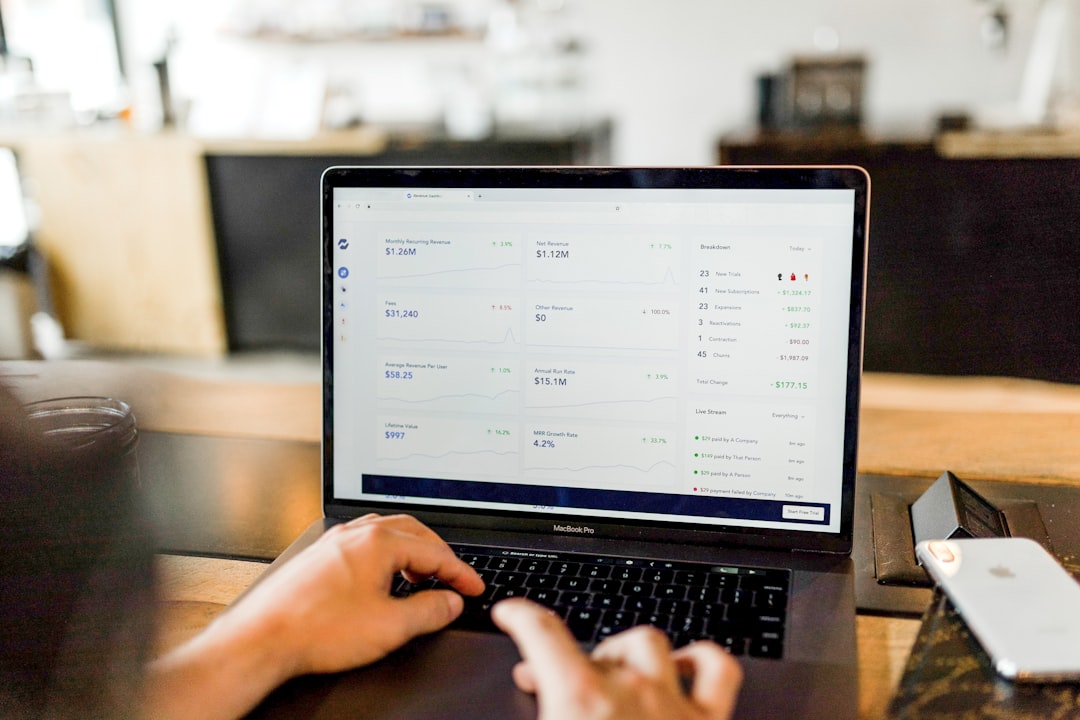
Additionally, the ability to generate real-time financial snapshots empowers owners to identify underperforming products, manage expenses proactively, and plan investments strategically.
Choosing the Right Software for Your Business
Before selecting a platform, consider the following:
- Business size: Solo entrepreneurs may not need complex payroll tools.
- Industry requirements: Retail, consulting, and manufacturing businesses have different bookkeeping needs.
- Budget: Subscription fees vary widely.
- Ease of use: A simple interface reduces onboarding time.
- Integration needs: Check compatibility with your CRM, payment processor, or e-commerce platform.
Many platforms offer free trials, allowing business owners to test features before committing.
Implementation Tips for Smooth Transition
Switching to accounting software may feel intimidating, but following a structured approach ensures success:
- Prepare your data: Organize financial records before importing.
- Consult an accountant: Ensure proper setup of tax categories and chart of accounts.
- Train your team: Use tutorials and onboarding resources.
- Start with core features: Gradually implement advanced automation.
- Review reports monthly: Build a habit of financial oversight.
Consistency is key. Even the best tool cannot replace regular financial review and responsible management.
The Future of Small Business Accounting
Accounting software continues to evolve, incorporating artificial intelligence, predictive analytics, and deeper automation. Emerging capabilities include:
- Smart expense categorization
- Cash flow forecasting using historical trends
- Automated anomaly detection for fraud prevention
- Voice-enabled financial queries
These innovations further reduce manual effort while increasing accuracy and insight.
Final Thoughts
Accounting software has moved far beyond basic number crunching. Today’s platforms serve as comprehensive financial management systems that help small businesses stay compliant, improve cash flow, and make informed decisions. With intuitive dashboards, automated workflows, and scalable features, bookkeeping no longer needs to be a source of stress.
By investing in the right accounting solution, small business owners gain something even more valuable than organized books—they gain clarity and control over their company’s financial future.