
Modern web design demands speed, collaboration, and precision. Designers are no longer responsible for aesthetics alone; they must shape seamless user experiences, create responsive layouts, and deliver interactive prototypes that align with business goals. With the right tools, the entire process becomes faster, more collaborative, and far more intuitive.
TL;DR: Today’s leading web design tools help professionals streamline layouts, accelerate prototyping, and refine UX design through powerful collaboration and automation features. Platforms like Figma, Adobe XD, Sketch, and Webflow combine intuitive interfaces with advanced capabilities for responsive design and interactive mockups. Choosing the right tool depends on team size, workflow, and project scope. Ultimately, these tools reduce friction between design and development while improving user experience outcomes.
Below are four of the top web designer tools that consistently stand out for their ability to enhance workflow efficiency and elevate user-centered design.
1. Figma
Figma has rapidly become one of the most popular web design tools, largely because of its cloud-based collaboration capabilities. Unlike traditional desktop software, Figma operates directly in the browser, making it accessible from virtually any device without complex installations.

Key strengths include:
- Real-time collaboration for distributed teams
- Component-based design systems
- Interactive prototyping without third-party plugins
- Developer-friendly inspection tools
Figma excels in layout creation thanks to its Auto Layout feature. Designers can build responsive components that automatically adapt when content changes. This dramatically reduces manual resizing and alignment adjustments.
From a UX perspective, Figma allows designers to create interactive flows and clickable prototypes quickly. Feedback can be gathered directly within the platform, keeping communication centralized and actionable.
Why it streamlines workflows: Since everyone works on the same file in real time, version control struggles are eliminated. Changes appear instantly, allowing faster iterations and reduced back-and-forth between designers and developers.
2. Adobe XD
Adobe XD is designed specifically for UX and UI design. It integrates seamlessly with other Adobe products, making it especially valuable for teams already working within the Adobe ecosystem.
Core features include:
- Repeat Grid for scalable layouts
- Voice prototyping capabilities
- Advanced animation tools
- Sharing options for stakeholder review
One of Adobe XD’s most praised tools is the Repeat Grid feature. Designers can duplicate elements like cards or lists while maintaining consistent spacing and formatting. Content can be populated quickly, minimizing repetitive work.
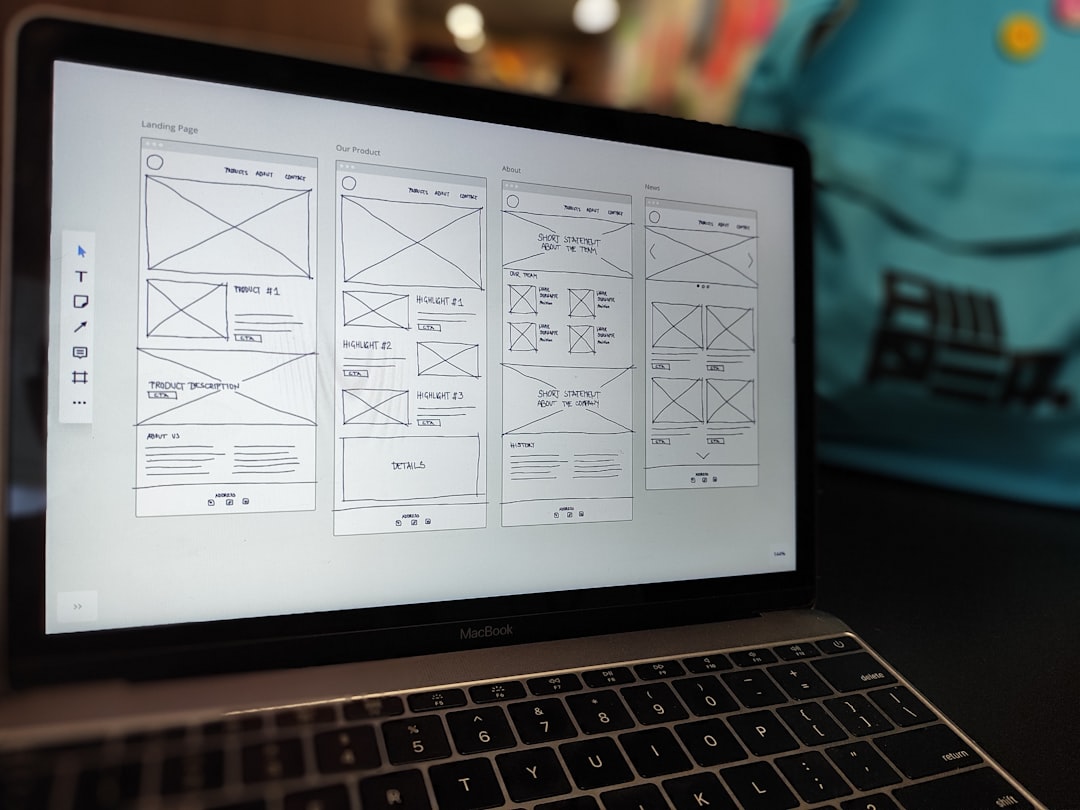
Adobe XD also focuses heavily on prototyping transitions. Microinteractions and animated transitions can be built directly into project files. This gives stakeholders a realistic representation of the final experience before development begins.
UX optimization: With built-in usability testing sharing options, stakeholders can review clickable prototypes in their browsers. Feedback can then be gathered early, reducing the need for costly revisions later.
For designers working in branding-heavy environments, Adobe XD provides smooth asset transfers from Illustrator and Photoshop, ensuring consistent visual identity across projects.
3. Sketch
Sketch has long been a staple in UI design. Although it originally dominated the Mac desktop design space, its ecosystem has evolved to support more collaborative workflows via cloud features and integrations.
Notable features include:
- Symbol-based reusable components
- Extensive plugin ecosystem
- Clean vector editing tools
- Shared design libraries
Sketch’s symbols and shared styles make it especially powerful for maintaining design consistency across large projects. Teams can create centralized design systems that update instantly when changes are made.
The plugin ecosystem is another significant advantage. Designers can extend functionality for accessibility testing, content generation, and developer handoff.
How it streamlines layouts: Sketch allows designers to create consistent page structures using grids and flexible resizing rules. This ensures predictable and polished designs without repetitive adjustments.
Even as new tools enter the market, Sketch remains relevant due to its stability, intuitive interface, and strong community support.
4. Webflow
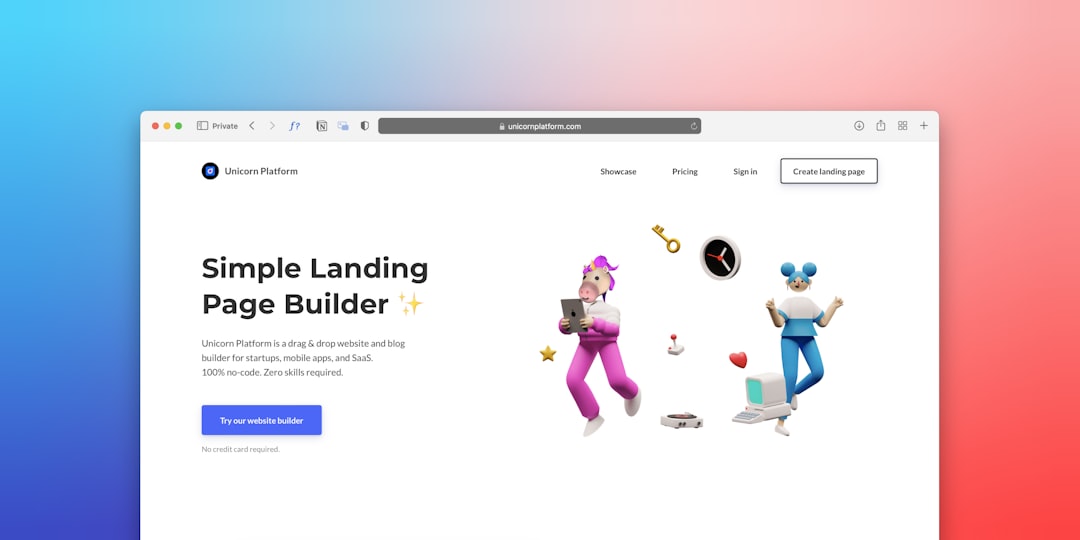
Webflow stands apart because it blends design, prototyping, and live development within one platform. Unlike purely design-focused tools, Webflow enables users to create fully functional websites visually—without extensive coding knowledge.
Key capabilities include:
- Visual CSS styling controls
- Responsive design customization
- Built-in CMS functionality
- Hosting and deployment options
Designers can manipulate layouts visually while the platform generates clean HTML, CSS, and JavaScript in the background. This drastically reduces disconnects between mockups and final builds.
UX design enhancements: Interactions and animations can be built without external scripts. Designers test real-time interactions directly within the browser, improving accuracy and usability validation.
Webflow is especially valuable for freelancers and small teams who want to eliminate the gap between prototype and production. It empowers designers to control the entire workflow—from concept to launch.
How These Tools Improve UX Design
While each platform has unique strengths, they share several qualities that streamline user experience design:
- Interactive prototyping: Designers can simulate navigation flows before development begins.
- Collaboration features: Teams gather feedback faster and in one place.
- Component libraries: Consistency is maintained across pages and products.
- Responsive controls: Layouts adapt easily to multiple screen sizes.
By simplifying repetitive tasks and centralizing collaboration, these tools allow designers to spend more time focusing on user research, accessibility, and usability improvements.
Choosing the Right Tool
Selecting the best web design tool depends on several factors:
- Team size: Larger teams may benefit more from advanced collaboration capabilities.
- Platform preference: Mac users may lean toward Sketch, while cross-platform teams prefer browser-based tools.
- Project complexity: More complex interactions may require advanced prototyping features.
- Budget considerations: Pricing models vary between subscriptions and one-time licenses.
There is no universal “best” option. Instead, the most effective workflow often involves combining tools—for instance, designing in Figma while deploying with Webflow.
Conclusion
The modern web designer’s toolkit goes beyond aesthetics. Today’s projects demand speed, collaboration, responsiveness, and seamless user experiences. Figma, Adobe XD, Sketch, and Webflow each offer distinct advantages that streamline layouts, accelerate prototyping, and enhance UX design.
By leveraging these tools strategically, designers reduce friction in their workflows, communicate ideas more effectively, and ultimately create digital experiences that users find intuitive and enjoyable. As technology evolves, designers who master these platforms position themselves at the forefront of innovation.
Frequently Asked Questions (FAQ)
1. Which web design tool is best for beginners?
Figma is often recommended for beginners due to its intuitive interface and browser-based accessibility. It requires no advanced setup and includes helpful community resources.
2. Are these tools suitable for large teams?
Yes. Figma and Adobe XD offer strong collaboration features, while Sketch and Webflow integrate well with team workflows when paired with cloud options.
3. Can these tools replace front-end developers?
No. While Webflow bridges the gap significantly, developers are still essential for advanced functionality, performance optimization, and complex integrations.
4. How do these tools support responsive design?
They include layout grids, breakpoints, and adaptive resizing features that allow designers to test how pages behave across different screen sizes.
5. Is prototyping necessary for small projects?
Even small projects benefit from prototyping. It helps identify usability issues early and ensures stakeholders clearly understand the final product before development begins.