
Pick a tool mix, not one magic tool. A strong search strategy needs keyword data, site health checks, competitor clues, and clean reporting. Organic search drives 53% of website traffic, according to BrightEdge [source: BrightEdge]. So yes, guessing is a very expensive hobby.
TLDR: Use Google Search Console for real search data, Semrush or Ahrefs for market research, Screaming Frog for technical checks, and Looker Studio for reports. For example, a blog with 200 posts might find that 40 pages bring in 78% of clicks. That tells you where to update first. If one refreshed page gains 25% more clicks, you have proof your plan works.
Why SEO planning tools matter
SEO can feel like opening a junk drawer. Keywords here. Broken links there. A random page ranking for a weird phrase. Great.
The right tools turn that mess into a plan. You can see what people search. You can spot pages that need help. You can compare your site with rivals. You can stop saying, “I think this might work.”
1. Google Search Console: Best for your real search data
Google Search Console is free. That alone makes it a must.
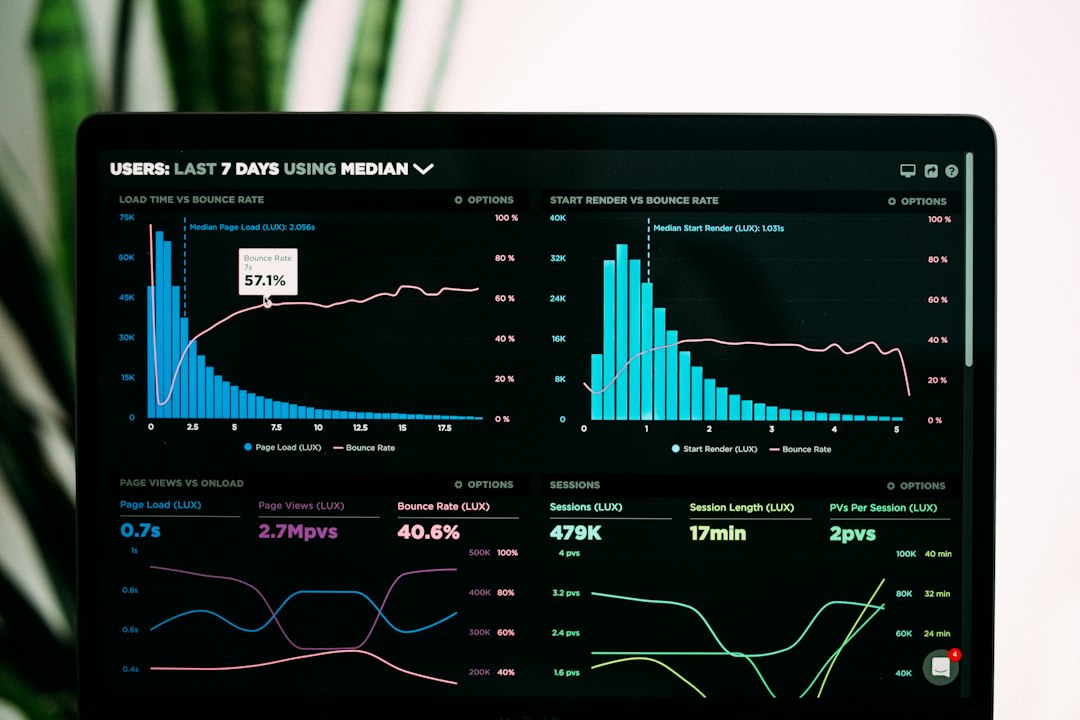
It shows queries, clicks, impressions, average position, and indexing issues. This is not guesswork. It is your actual Google search data.
- Best for: finding quick SEO wins.
- Use it to: spot pages with high impressions but low clicks.
- Watch out for: limited competitor data.
Here is a simple move. Filter pages with an average position between 5 and 15. These are close to page one or already there. Update titles. Add better sections. Improve internal links. Small work can bring big gains.
Honestly, it feels like Google could make the interface less clunky. Some reports take more clicks than they should. Still, the data is gold.
2. Semrush: Best for full SEO planning
Semrush is like a giant SEO control room. It covers keywords, competitor research, backlink data, site audits, content ideas, and rank tracking.
It is strong when you need a full plan. You can find keyword gaps. You can see which pages bring traffic to rivals. You can build topic groups around search demand.
- Best for: teams that want one main SEO platform.
- Use it to: compare your site against competitors.
- Watch out for: lots of menus. Expect a learning curve.
A useful report is the keyword gap report. Add your domain and two competitors. Then look for keywords they rank for, but you do not. That is your content idea list. No brainstorming panic needed.
3. Ahrefs: Best for links and competitor content
Ahrefs is loved for backlink research. It is also great for content research. You can see which pages earn links. You can see which topics bring traffic. You can find weak spots in your own site.
It drives me crazy that some useful metrics can feel hidden at first. You may click around for a bit. Once you learn it, though, it is fast.
- Best for: backlink strategy and competitor page research.
- Use it to: find link worthy topics.
- Watch out for: pricing may be painful for tiny teams.
Try this. Find a competitor page with many backlinks. Ask why people linked to it. Is it a study? A calculator? A guide? Then create something clearer, fresher, or more useful.

4. Screaming Frog SEO Spider: Best for technical SEO checks
Screaming Frog SEO Spider crawls your site like a search engine. It finds broken links, missing titles, duplicate meta descriptions, redirect chains, thin pages, and more.
This tool is not flashy. It looks a bit like a spreadsheet had too much coffee. But it is useful.
- Best for: technical SEO audits.
- Use it to: clean crawl errors before they hurt traffic.
- Watch out for: beginners may need a checklist.
Run a crawl before any big content project. If 18% of your pages have missing meta descriptions, fix that. If 60 internal links point to old redirects, fix that too. Boring? Yes. Worth it? Also yes.
5. Looker Studio: Best for simple SEO reporting
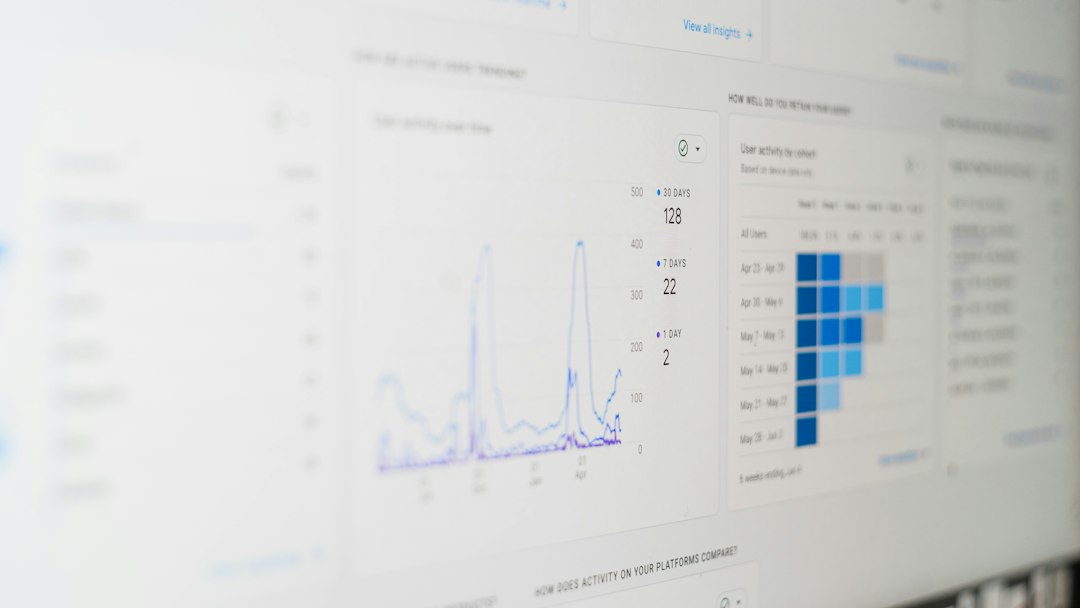
Looker Studio helps turn data into reports. It connects with tools like Google Search Console and Google Analytics. You can build charts for clicks, conversions, rankings, and content performance.
- Best for: dashboards and monthly reports.
- Use it to: show progress without a 40 slide deck.
- Watch out for: messy data sources can break charts.
A good dashboard answers three questions:
- Are clicks growing?
- Which pages are winning?
- Which keywords need work?
Keep it simple. Nobody wants a dashboard that looks like a spaceship panel.
Quick comparison
| Tool | Best use | Main weakness |
|---|---|---|
| Google Search Console | Real Google search data | No deep competitor research |
| Semrush | Full SEO planning | Can feel crowded |
| Ahrefs | Links and competitor content | Cost can sting |
| Screaming Frog | Technical audits | Not very beginner friendly |
| Looker Studio | Reporting | Needs clean data |
How to choose your stack
If your budget is small, start with Google Search Console, Screaming Frog, and Looker Studio. That gives you data, audits, and reports.
If you have budget, add Semrush or Ahrefs. Pick Semrush if you want broad planning. Pick Ahrefs if links and competitor pages matter most.
The best SEO plan is not the fanciest one. It is the one your team will actually use every week. Track the numbers. Fix the obvious issues. Update the pages with the most upside. Repeat until your competitors start getting annoyed.