
Motion graphics continues to evolve at an astonishing pace, driven by new software, smarter automation, and emerging technologies. While industry standards like After Effects and Cinema 4D remain dominant, a new wave of lesser-known tools is quietly transforming how designers conceptualize, prototype, and execute animated visuals. Many of these applications solve highly specific problems—streamlining workflows, enhancing procedural creativity, or enabling real-time collaboration—yet they remain underutilized by mainstream creators.
TLDR: The motion graphics landscape extends far beyond the usual powerhouse software. Innovative tools focused on procedural animation, real-time rendering, AI assistance, and creative coding are helping designers work faster and more creatively. From node-based systems to AI-enhanced animation plugins, these underrated tools can unlock entirely new workflows. Exploring them can dramatically elevate both efficiency and creative output.
1. Cavalry
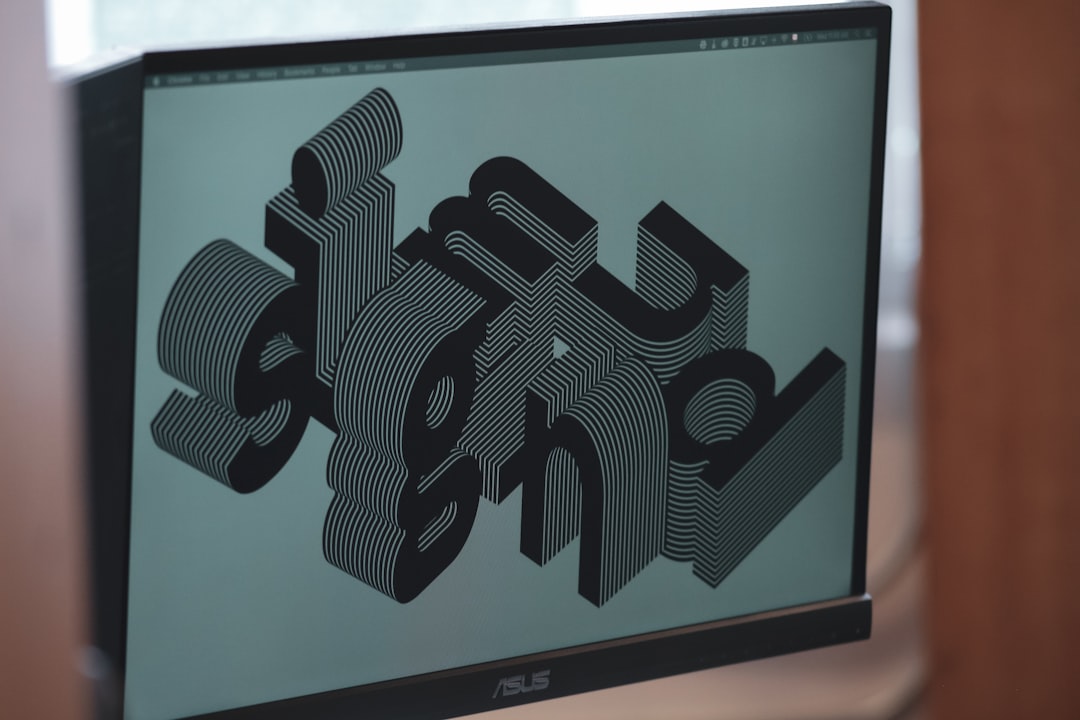
Cavalry is a procedural 2D animation tool that remains surprisingly under the radar. Unlike timeline-heavy software, Cavalry relies on logic-driven systems and generators that make it ideal for dynamic graphics, data-driven visuals, and highly adaptable brand animations.
Its procedural approach allows designers to build animations that auto-adjust to text changes, color swaps, or data inputs. This makes it particularly useful for broadcast packages and social media toolkits where scalability is essential.
2. Flow by Ae Plugin (Extended Version Tools)
While many know the basic Flow plugin for After Effects, fewer designers explore extended easing tools that allow for deep Bezier customization and curve libraries. These enhanced flow-management systems save enormous time when fine-tuning motion physics.
Smooth motion often separates amateur animation from professional-grade work. Advanced easing libraries can replicate real-world dynamics with just a few clicks.
3. Notch
Notch is widely used in live events and broadcast environments but remains lesser known in traditional motion design circles. It enables real-time motion graphics rendering, allowing creators to adjust elements live during performances or interactive installations.
Its node-based workflow makes it powerful for experimental visuals, immersive experiences, and responsive stage backdrops.
4. EbSynth
EbSynth uses AI-assisted frame transfer to replicate hand-painted styles across video sequences. Designers can paint a single frame, and the software propagates that aesthetic throughout the clip.
This tool bridges illustration and animation in a way that drastically reduces frame-by-frame labor. Stylized explainer videos and artistic music visuals benefit tremendously from its capabilities.
5. Rive
Rive specializes in interactive animations that work seamlessly across apps and websites. Unlike traditional rendered motion graphics, Rive exports lightweight animations that respond to user input in real time.
Its state-machine logic allows designers to build animations that adapt based on hover states, clicks, and gestures—ideal for UI motion designers and product teams.
6. Duik Bassel (Advanced Rigging Use)
Many are familiar with Duik for character rigging in After Effects, but few exploit its advanced automation features such as procedural walk cycles, physics simulation, and camera controllers.
When used to its full extent, Duik significantly reduces character animation production time while maintaining professional fluidity.
7. Runway ML for Motion Designers
Runway ML has gained popularity in video editing and AI art, but its motion graphics applications remain underrated. From background removal to frame interpolation and style transformation, it adds AI-assisted acceleration to complex workflows.
Motion designers can rapidly prototype ideas that once required heavy compositing work. It becomes particularly powerful during concept development stages.
8. TouchDesigner
TouchDesigner is often associated with interactive installations and generative art, yet it remains unfamiliar to many motion designers focused purely on traditional deliverables. Its node-based system enables real-time generative visuals, audio-reactive animations, and immersive projections.
Although it comes with a learning curve, the creative flexibility it offers can redefine what motion graphics can become.
9. AutoFill for After Effects
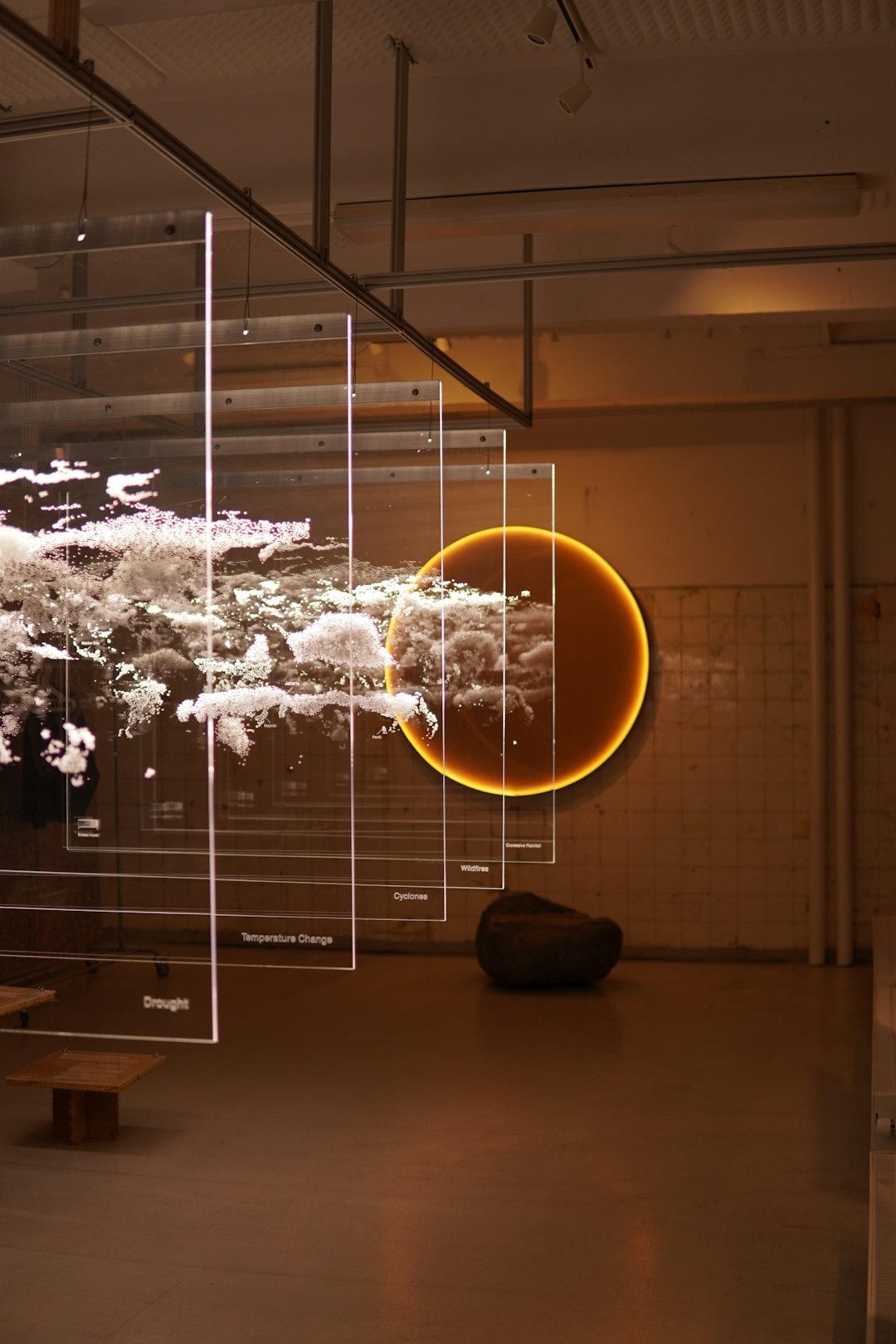
AutoFill is a lesser-known plugin that creates organic line animations and growth effects. Designers can generate animated strokes that fill shapes dynamically, creating mesmerizing looping visuals.
This tool is particularly useful for logo reveals, abstract backgrounds, and fluid transitions. Its physics-inspired fill patterns lend an organic feel to otherwise rigid vector assets.
10. Blender’s Geometry Nodes for Motion Design
While Blender itself is not obscure, Geometry Nodes remain underutilized in traditional motion graphics pipelines. They allow designers to create fully procedural 3D animations that respond to parameters, randomness, and object attributes.
Designers can craft evolving environments, data-driven animations, and complex simulations without manually animating each component.
11. LottieFiles Editor
LottieFiles Editor is often viewed merely as a hosting platform for JSON animations. However, its browser-based editing environment allows quick tweaks to animations without reopening complex project files.
This accelerates iteration for UI animation teams and reduces dependency on heavy desktop software for minor revisions.
12. Vuo
Vuo is a visual programming environment that enables designers to build interactive motion systems without deep coding knowledge. It sits somewhere between traditional motion software and full coding frameworks.
With drag-and-drop node composition, designers can create installations, reactive media, and experimental visuals that push beyond static deliverables.
Why These Tools Matter
The future of motion graphics is increasingly procedural, interactive, and AI-enhanced. Designers who explore niche tools gain several advantages:
- Greater workflow efficiency through automation and smart templating.
- Expanded creative possibilities beyond linear timeline animation.
- Improved scalability for branding systems and digital products.
- Competitive differentiation in an oversaturated market.
Adopting even one of these lesser-known applications can significantly broaden a designer’s capabilities. Rather than replacing industry-standard platforms, these tools often complement them, filling workflow gaps and unlocking new methods of expression.
Choosing the Right Tool
Before diving into new software, designers should evaluate:
- Project requirements — Is the work interactive, broadcast-based, or social-first?
- Learning curve — Does the time investment align with career goals?
- Pipeline integration — Will it work seamlessly with existing tools?
- Client demands — Are clients asking for more dynamic or real-time experiences?
Strategic experimentation, rather than random tool adoption, ensures sustainable growth and long-term mastery. The most innovative designers are often those who cross boundaries between motion graphics, coding, AI, and interactive design.
Conclusion
Motion graphics is no longer confined to linear timelines and pre-rendered outputs. The rise of procedural systems, artificial intelligence, and real-time rendering continues to reshape the discipline. Tools like Cavalry, TouchDesigner, Rive, and Geometry Nodes encourage designers to think in systems rather than isolated animations.
Those who explore beyond familiar software ecosystems often gain a powerful creative edge. By integrating even a handful of these lesser-known tools, motion designers can produce smarter workflows, richer visuals, and more adaptable content ready for the demands of tomorrow’s digital landscape.
Frequently Asked Questions (FAQ)
- 1. Are these tools suitable for beginners?
Some, like LottieFiles Editor and AutoFill, are accessible to beginners. Others, such as TouchDesigner and Notch, require a deeper learning commitment. - 2. Do these tools replace After Effects?
No. Most of them complement industry-standard software rather than replace it. They enhance workflows or provide specialized functions. - 3. Which tool is best for interactive motion graphics?
Rive, TouchDesigner, and Vuo are particularly strong for interactive experiences and responsive design. - 4. Are AI-powered tools reliable for professional projects?
Yes, when used thoughtfully. AI tools like Runway ML and EbSynth can accelerate production but should be refined with manual oversight. - 5. Is procedural animation the future of motion design?
Procedural workflows are becoming increasingly important, especially for scalable branding and data-driven content. While traditional animation remains valuable, procedural systems offer flexibility and efficiency.